
August 22 Consumer Security Briefing: Fake Apple Support, Spoofed Calls, and Home Visits
Scammers are borrowing trust from pop-up alerts, familiar caller IDs, and official-looking identification. This briefing explains three newly warned schemes and the safe sequence: end the contact, reopen the official channel yourself, and verify before sharing credentials, money, or access.
Reference time: August 22, 2026, 4:00 PM KST · Research window: August 15, 4:00 PM to August 22, 3:59 PM KST
Three official warnings published this week begin in different places but use the same strategy. A sudden account alert creates urgency, a familiar institutional number keeps you on the phone, and official-looking identification encourages you to open the door. The safest response is to end the contact completely and create a new connection through an official app, website, or published main number that you find yourself.
Fake Apple support and cryptocurrency account compromise
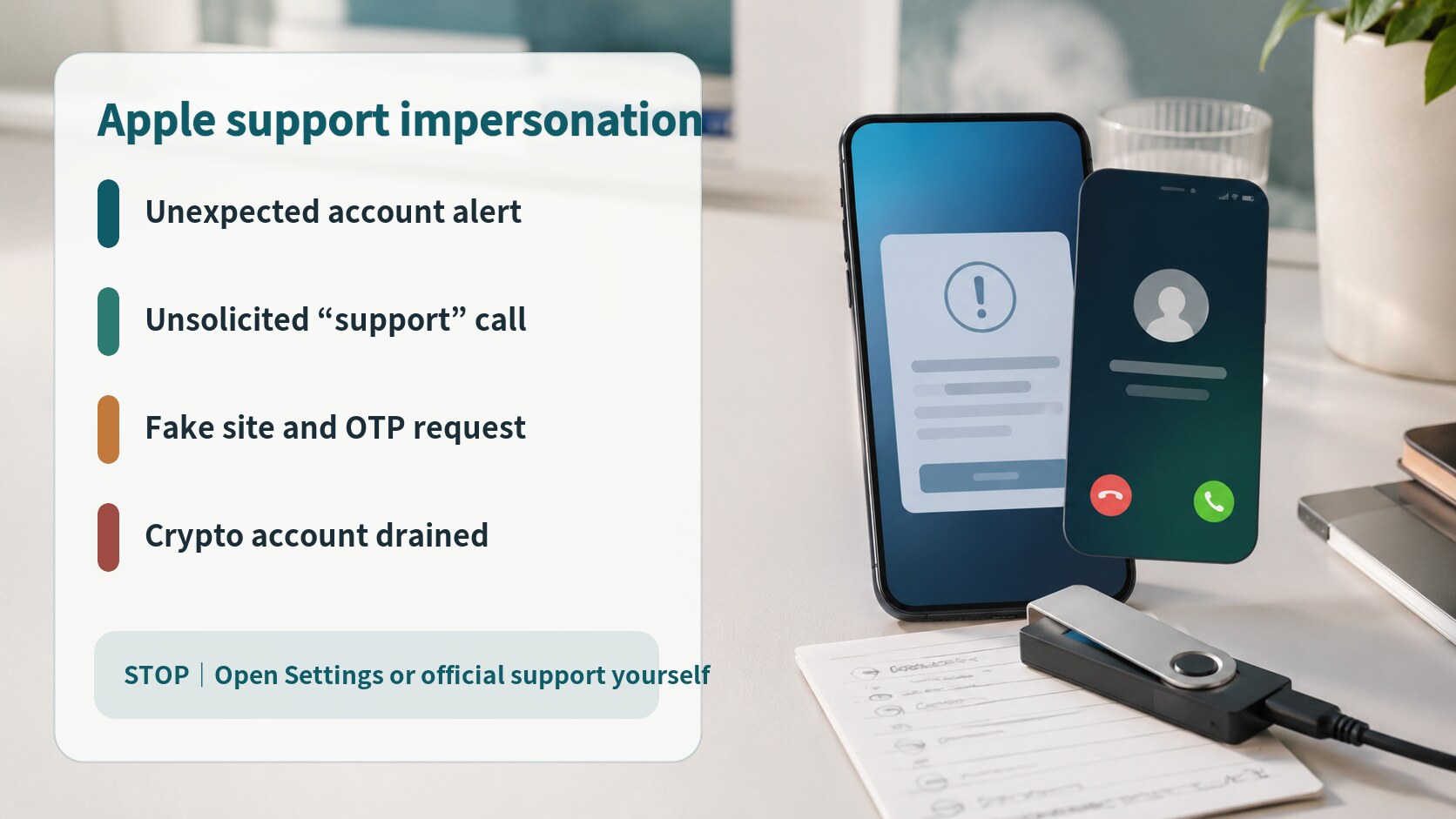
Singapore Police warned on August 21 about scammers impersonating Apple support personnel and compromising cryptocurrency accounts. At least five cases had been reported since August 7, with confirmed losses of at least SGD 195,000. The scheme begins with an unsolicited pop-up claiming that an Apple account has a problem or needs a password change. A caller, often using a number beginning with +1, then poses as Apple support and directs the victim to a fake website. The site asks for Apple credentials, cryptocurrency account details, and one-time passwords, which are then used to transfer assets.
Close the pop-up and end the call. Check the Apple account from the device settings and open Apple Support through a route you already trust. Open the cryptocurrency provider's official app separately to review login activity, withdrawal addresses, and security alerts. Never give a password or one-time code to an unsolicited caller, and do not move assets to a so-called safe wallet on the caller's instructions. Separate passwords, multi-factor authentication, withdrawal allowlists, delays, and limits can reduce the impact of an attempted account takeover.
Caller ID spoofed to look like the police
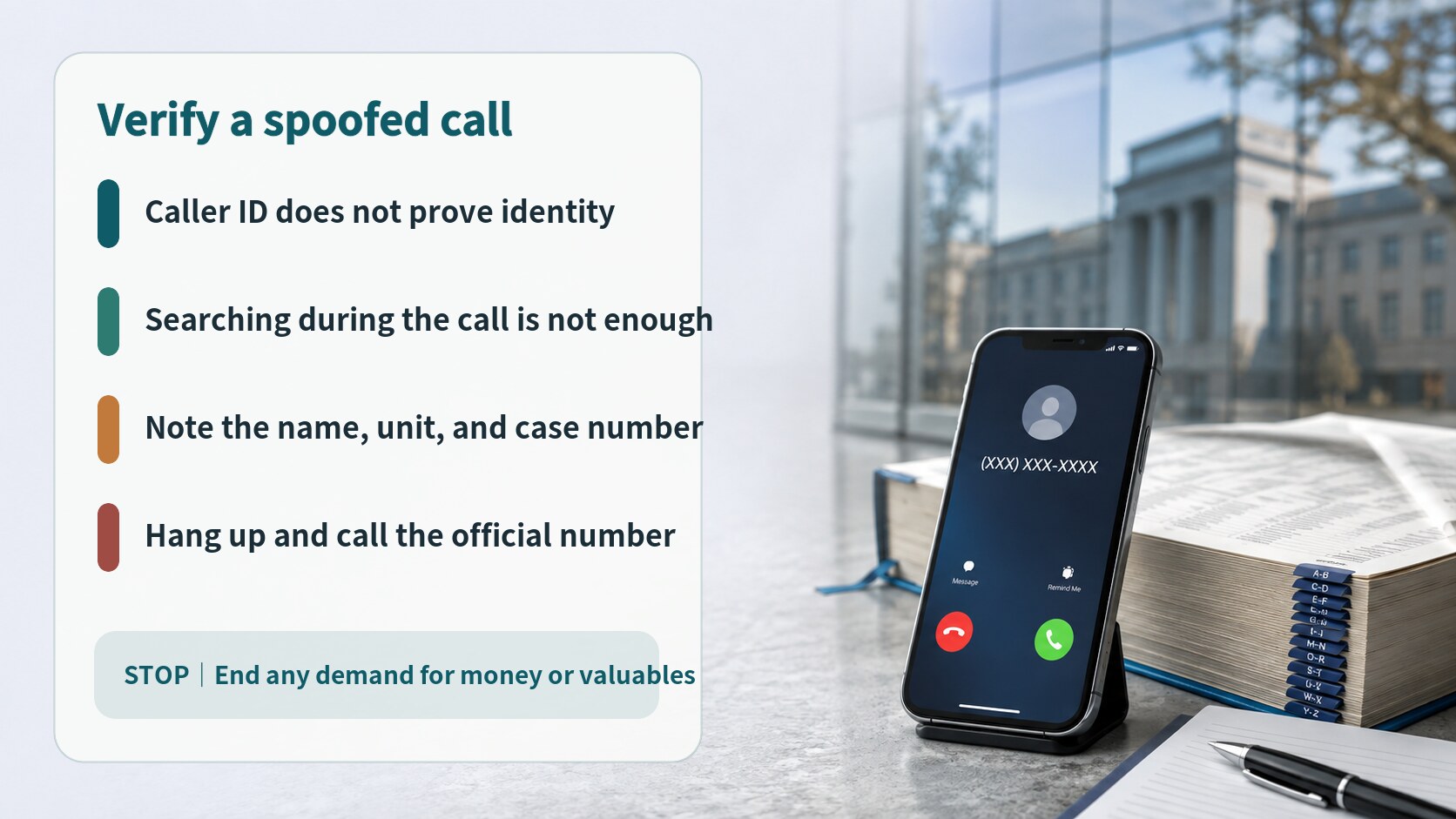
Surrey Police warned on August 18 that callers were impersonating officers while displaying a genuine-looking 101 or local police number. The scammers may even tell recipients to search for the number online. A matching search result does not authenticate the caller because caller ID can be spoofed. The conversation can then shift toward personal data, bank information, withdrawals, or transfers.
Write down the caller's name, unit, and reference number, then hang up. Find the official police website independently and start a new call through 101 or the official online chat. Do not redial the number shown on the screen or use a link sent during the call. A genuine officer will not unexpectedly ask for online-banking credentials, instruct you to withdraw cash, or arrange collection of valuables. If bank details were shared or a transfer began, contact the bank through its official emergency channel before reporting the incident through the official police route.
Bogus council inspectors at the door
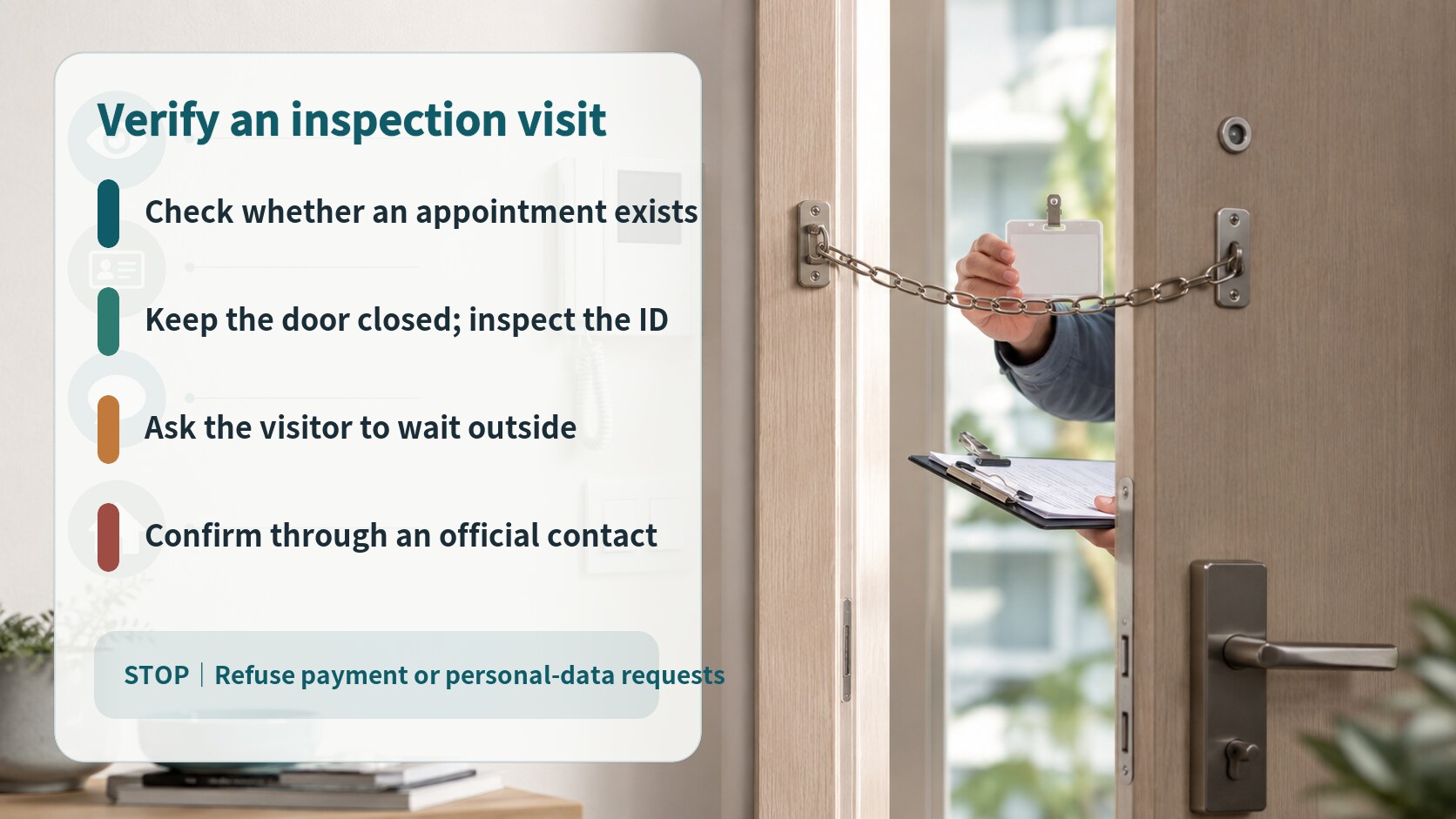
Epping Forest District Council warned on August 20 about people posing as council health and safety staff to gain access to homes. Genuine visits are arranged in advance, staff carry photo identification, and residents can ask the visitor to wait while they verify the name and purpose through the council's official contact details. Genuine staff do not require payment at the door.
Keep the door closed and use an intercom, door chain, or camera while you check. Do not call a number printed on material supplied by the visitor or scan a QR code they provide. Find the council or building-management number independently. A legitimate visitor can wait or reschedule. If the visitor demands immediate entry, asks about when you are alone, or becomes threatening, end the conversation and seek help from police, building staff, or a neighbour. Preserve existing door-camera footage and the visit time for the relevant authority.
The common trust sequence
Each scheme supplies a reason to trust before making the dangerous request. The fake support call uses an operating-system-style alert, the police impersonator uses a searchable phone number, and the bogus inspector uses identification and a public-agency name. The scammer then encourages verification inside a channel they still control. Only after that do they request credentials, one-time codes, money, or access to the home.
A reliable verification step must leave the original contact path. Do not press the pop-up button, redial the displayed caller ID, or call a number printed on a visitor's card. End the interaction, then reopen an official app, type the web address yourself, use the number on the back of a bank card, or locate a public agency's contact page independently. Refusal to allow a short verification delay is itself a reason to stop.
Where to stop each approach
- Account pop-up: close it and check account status from device settings or the official app
- Support call: hang up and start a new support session from the official site
- Police call: record the name, unit, and reference, then verify through official 101 or police chat
- Money or valuables request: end the call and contact the bank's official emergency channel
- Unexpected inspection: keep the door locked and verify through the council or building manager
- Threatening visitor: avoid confrontation and seek police, neighbour, or building-staff assistance
Priority steps after responding
If credentials were entered, use another trusted device to open the official service, change the password, and review signed-in devices and recent security activity. Replace reused passwords individually. If a one-time code or cryptocurrency account detail was shared, contact the provider through its official security channel and review withdrawals and registered addresses. If money was sent, report the transaction to the bank or payment provider promptly rather than negotiating with the scammer.
For bank details shared by phone, call the number on the bank card or in the official app and request account protection. For an unexpected visitor who entered the home or saw identity documents, record the time and existing evidence and notify the appropriate authority. Recovery should follow the same rule as prevention: begin through an independently opened official channel, not by calling the scammer back.
One verification habit for the week
Alerts, calls, and visits are different media, but one habit covers all three: do not take an irreversible action during the incoming contact. End it first, then find the official channel yourself. Families can agree on a trusted person and a private check phrase for urgent calls, while people living alone can share a rule that unannounced inspectors are never admitted before independent verification. A familiar number or an ID card is only a clue; an independent callback is the stronger control.
Sources reviewed
- Police Advisory On Apple Impersonation Cryptocurrency Account Compromise ScamsSingapore Police Force · Official source
- Scam phone callers posing as Surrey PoliceSurrey Police · Official source
- Scam alert: bogus health and safety home visitsEpping Forest District Council · Official source
SECUFOCUS NOW reorganized and analyzed the material above. This article does not replace the original sources.
Related SecuNote articles
August 18 Consumer Security Briefing: Search Ads, Apple Threat Alerts, and Debt Relief
Paid bill-payment search ads, Apple threat notifications, and debt-relief offers look different, but the safe response is shared…

Cloned Car Dealership Websites: How to Verify a Vehicle Before Paying
Scammers are cloning real car dealership websites, listings, photos, reviews, and sales policies to demand upfront wire payments…
Unfamiliar Configuration Profile on iPhone? Check Management and Secure the Device
Configuration profiles can apply work or school accounts, VPN settings, certificates, and other controls to an iPhone. This guide…
Comments
No comments yet.