
WS Form LITE PHP Object Injection (CVE-2026-4703): Scope and Response
A defensive guide to CVE-2026-4703 in WS Form LITE, including affected versions, the conditional POP-chain impact, updating, and post-update evidence review.
What the vulnerability means
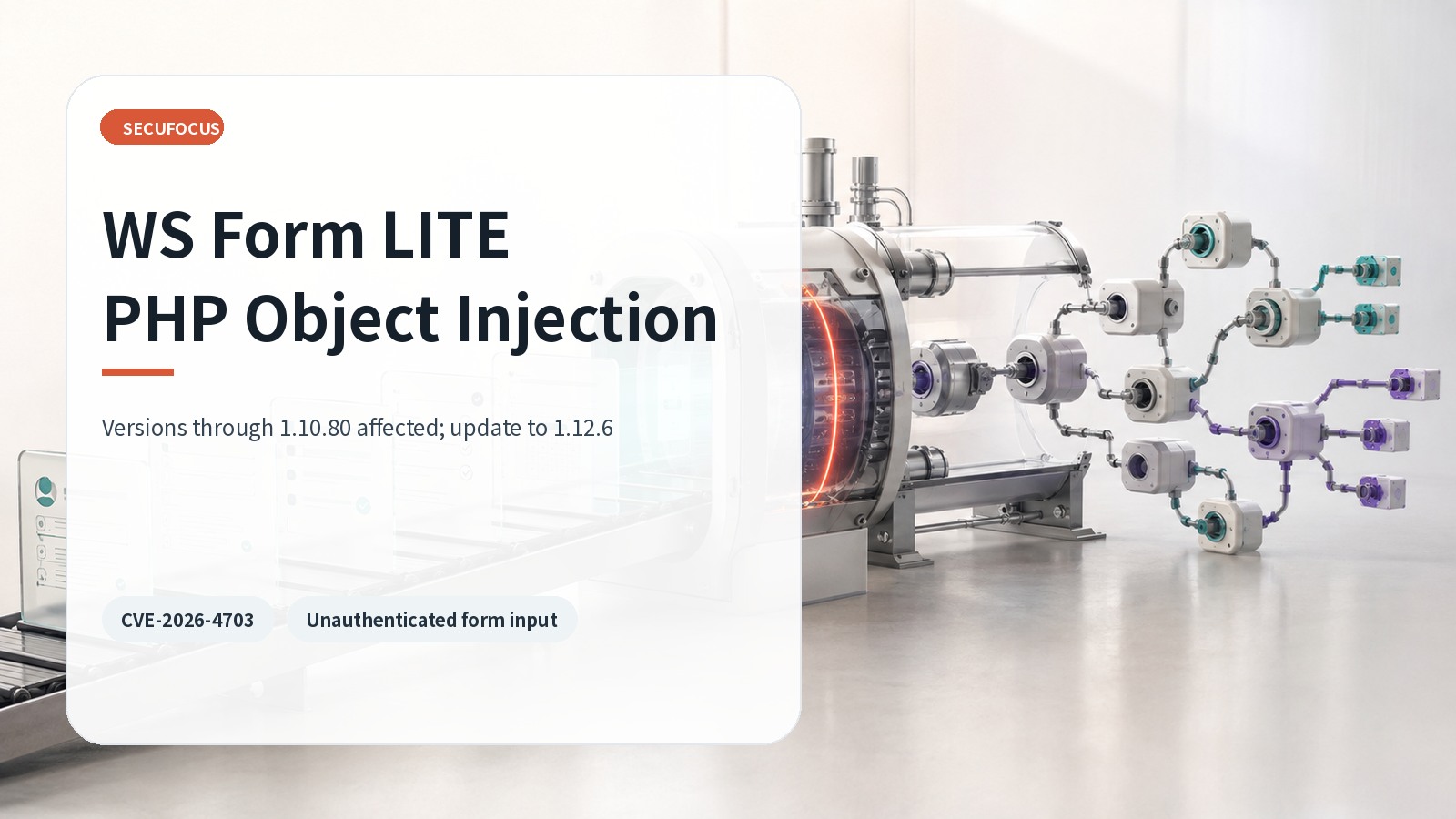
WS Form LITE builds and processes public forms in WordPress. CVE-2026-4703 affects versions through 1.10.80 and allows unauthenticated PHP object injection when untrusted form-submission metadata reaches deserialization. Object injection is not automatically identical to immediate remote code execution. Follow-on effects depend on whether the WordPress runtime contains a compatible property-oriented programming, or POP, chain in another plugin, theme, or library.
PHP deserialization reconstructs an object from stored data. When an attacker controls that data, unexpected classes and properties can be created. Compatible magic methods may then connect the object to actions such as file deletion, data access, or code execution. Administrators should update based on the vulnerable input path rather than waiting for a chain to be demonstrated in their exact environment.
Scope and current release
The official CVE and Wordfence records identify WS Form LITE 1.10.80 and earlier as affected. The input path is an unauthenticated public form submission. WordPress.org currently offers version 1.12.6, which is beyond the affected range. Verify the actual installed version on every site instead of relying only on automatic-update policy or one representative administration screen.
- Product: WS Form LITE – Drag & Drop Contact Form Builder
- Affected: version 1.10.80 and earlier
- Input: unauthenticated public form-submission metadata
- Current official directory version: 1.12.6
From form input to an object chain
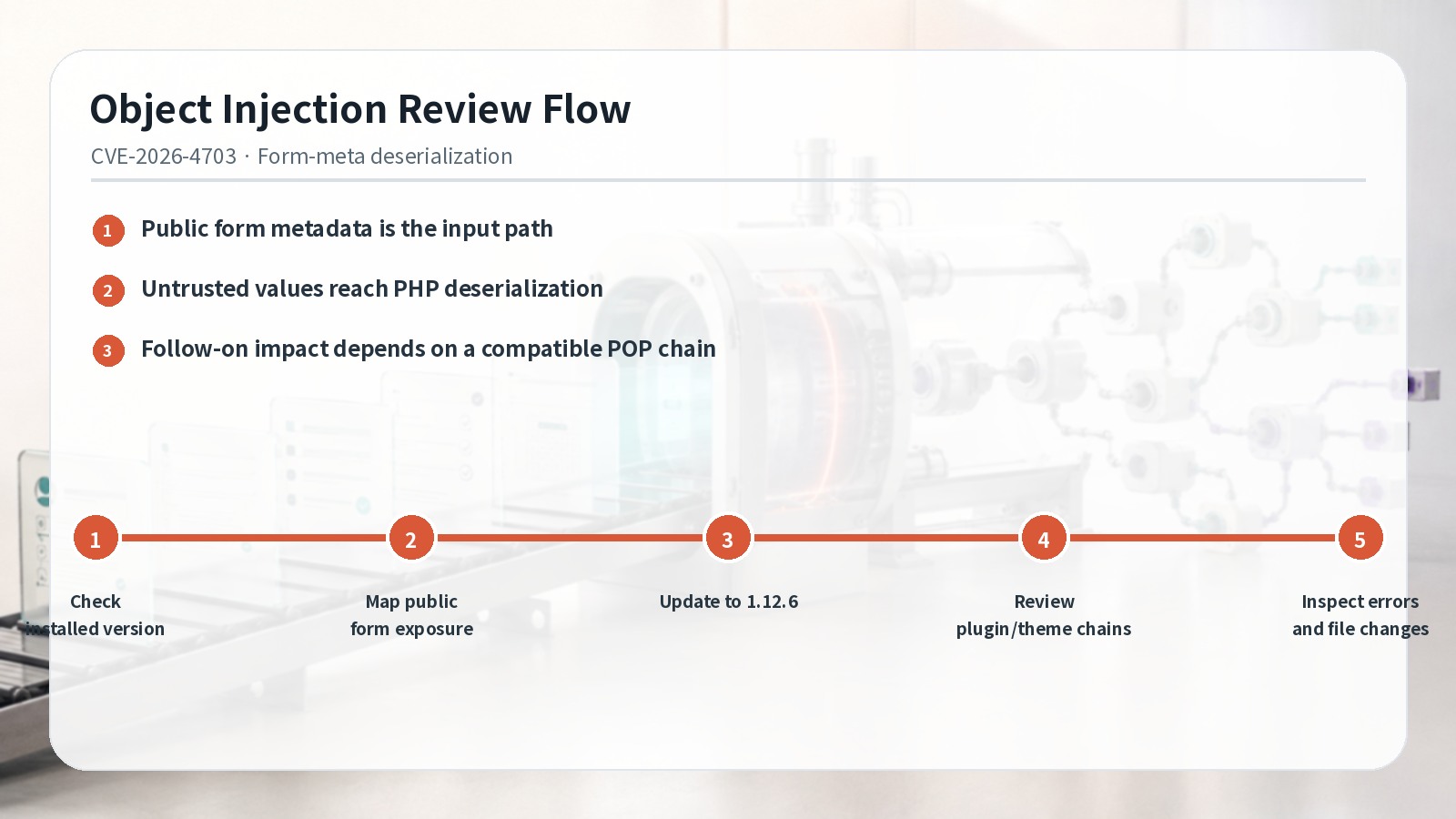
Public forms must accept external values, so the secure boundary is server-side handling. In this vulnerability, submission metadata can reach PHP deserialization instead of remaining simple untrusted data. Once an object is reconstructed, classes already loaded by WordPress determine what follow-on actions are possible. That is why two sites with the same WS Form LITE version may have different secondary impact based on their plugins, themes, and libraries.
Defenders do not need to reproduce an exploit chain. Inventory the installed components, remove unnecessary extensions, compare files with trusted packages, and preserve web and PHP error logs. Conditional impact should not be presented as confirmed compromise, but the absence of a demonstrated chain should not delay the update.
Update and exposure management
- Inventory WS Form LITE versions and prioritize sites running 1.10.80 or earlier.
- Map public pages, shortcodes, blocks, and page-builder connections that expose WS Form submissions.
- Create recovery points for files, database, form configuration, and submission data.
- Update to the current stable WordPress.org release, 1.12.6, clear caches, and test representative forms.
- Review the exposure window across web logs, PHP errors, file changes, and administrator or extension changes.
If an immediate update is not possible, restrict unnecessary public forms and increase retention for reverse-proxy, web-server, and PHP logs. Treat WAF filtering as a temporary control, not a complete fix. After updating, test validation, anti-spam, email notifications, stored submissions, and external integrations with designated test data rather than real personal or payment information.
Post-update evidence
Look for repeated submission requests, unusual request sizes, increased error responses, unexpected deserialization or class-loading errors, and new or modified files in the web root, upload directories, plugins, and themes. Correlate these signals with administrator additions, configuration changes, scheduled tasks, and webhook changes. If suspicious activity appears, preserve evidence and move into incident response instead of closing the case as a routine patch.
Completion criteria
Review retention for stored submissions, email notifications, and external CRM or webhook delivery as separate evidence sources. Align them to one investigation window and preserve only the necessary data under controlled access. Removing obsolete test forms and unused integrations after validation reduces both public input paths and the scope of future version reviews.
For every site, record the old and new version, public form inventory, update time, functional tests, related plugin and theme inventory, and the log and file-integrity review window. Completion requires a fixed release, verified form and notification behavior, and a reviewed pre-update exposure period. Sites that share a theme or plugin bundle may reuse the review method, but each site still needs its own version and exposure evidence.
Sources reviewed
- CVE-2026-4703 RecordCVE Program · Official source
- WS Form LITE <= 1.10.80 - Unauthenticated PHP Object InjectionWordfence Intelligence
- WS Form LITE – Drag & Drop Contact Form BuilderWordPress.org · Official source
SECUFOCUS NOW reorganized and analyzed the material above. This article does not replace the original sources.
Related SecuNote articles
TranslatePress Account Takeover Vulnerability: CVE-2026-19632 Scope and Response
How CVE-2026-19632 can expose WordPress password-reset links in TranslatePress, which versions are affected, and how to update and…
Mailgun for WordPress SSRF (CVE-2026-78003): Scope and Response
How CVE-2026-78003 can cross from a WordPress plugin into Mailgun route configuration, plus the fixed version, key rotation, and…
rtMedia SQL Injection (CVE-2026-66592): Affected Versions and Response
CVE-2026-66592 affects rtMedia 4.7.11 and earlier through an unauthenticated SQL injection path. This guide covers exposure…
Comments
No comments yet.