
rtMedia SQL Injection (CVE-2026-66592): Affected Versions and Response
CVE-2026-66592 affects rtMedia 4.7.11 and earlier through an unauthenticated SQL injection path. This guide covers exposure checks, the 4.7.12 update, and post-update validation.
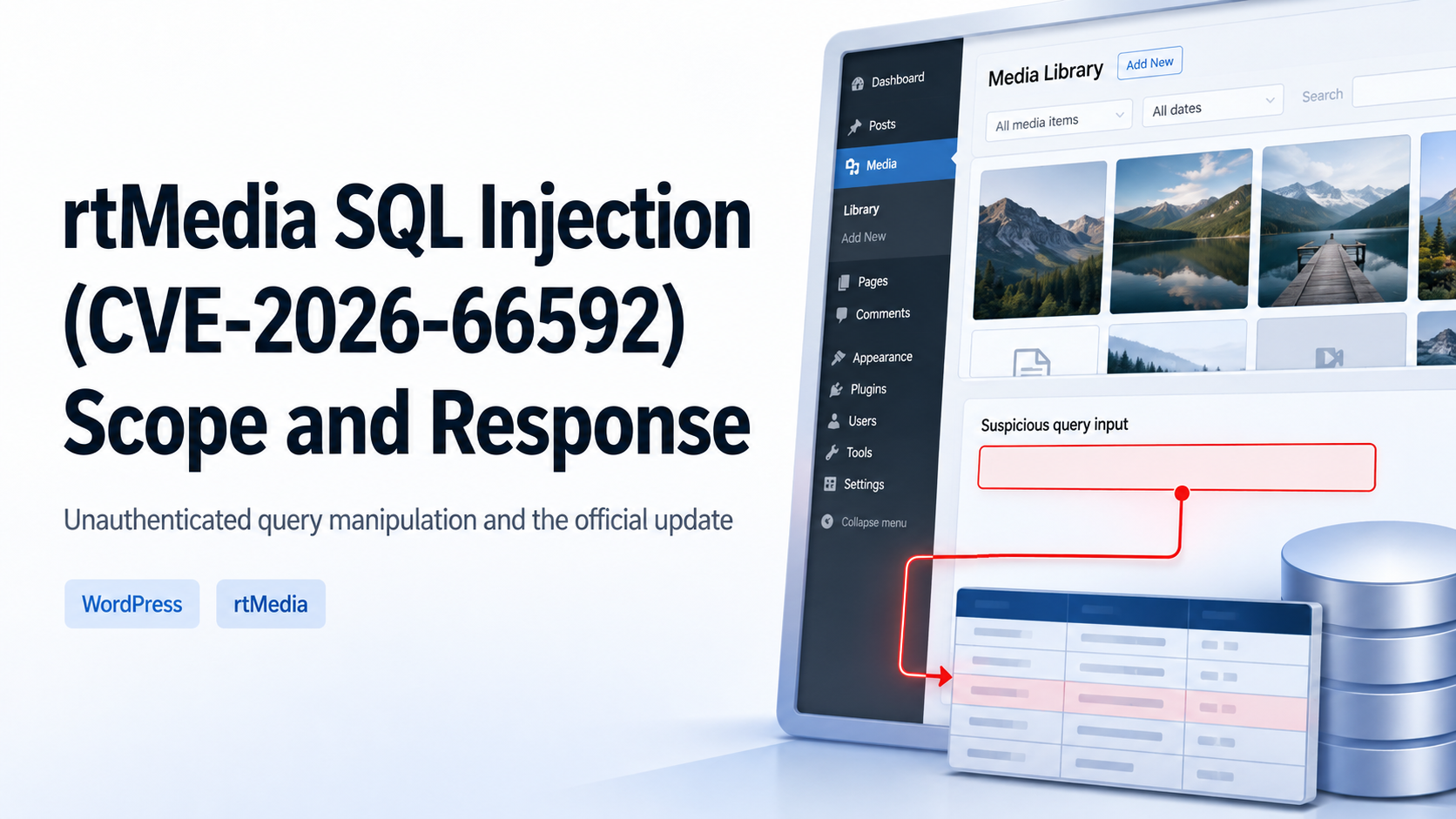
An unauthenticated path into media queries
CVE-2026-66592 is an SQL injection vulnerability in rtMedia for WordPress, BuddyPress and bbPress. The disclosed path is reachable without authentication through media-shortcode request handling. Because the issue begins at a public web request rather than a compromised administrator account, exposed WordPress sites should first determine whether rtMedia is installed, active, and reachable.
rtMedia builds media listings, searches, filters, albums, and activity views from request values. If a value can alter query structure instead of remaining data, the application can return results outside the intended search boundary. The response therefore needs to cover the public request path, the database account, and the plugin update—not only WordPress credentials.
Affected versions
rtMedia 4.7.11 and earlier are affected. Version 4.7.12 is the corrected release. The WordPress.org changelog dates 4.7.12 to August 18, 2026 and describes stronger validation and sanitization for upload targets, album selection, and query parameters, along with additional capability and nonce checks for administrative AJAX actions.
Distinguish between an inactive plugin and a removed plugin. Inactive legacy code may be re-enabled later, while removing a plugin that provides live media features may cause an outage. Record installation, activation, feature use, and internet exposure before choosing an update or an approved removal.
Direct risk
SQL injection allows external input to influence a database query's intended conditions. It may expose information through application responses, but the practical reach depends on database privileges, site configuration, and stored data. Do not claim a breach from the vulnerability record alone; use web, application, security-control, and database logs to determine whether suspicious access occurred.
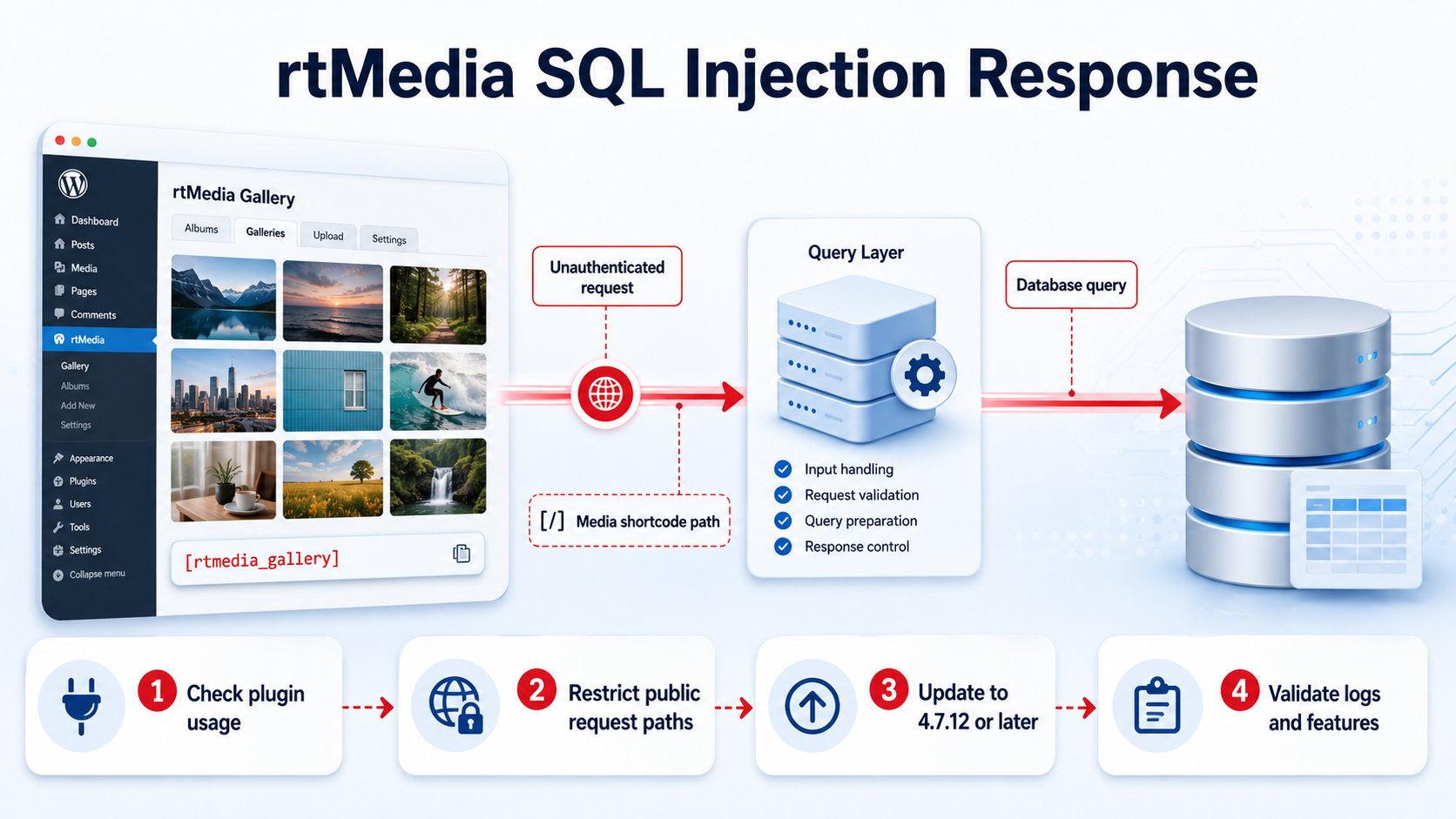
Read-only exposure checks
- Confirm rtMedia installation, activation, and the exact deployed version from the plugin inventory.
- Identify public pages that use rtMedia galleries, searches, albums, filters, or shortcodes.
- Preserve relevant web, WAF, PHP, WordPress, and database logs before maintenance.
- Plan an update to 4.7.12 or later in a test environment or approved maintenance window.
- Avoid exploit requests or forced database errors on production systems.
Reducing exposure before maintenance
If maintenance cannot begin immediately, consider disabling an unused rtMedia installation through approved change control. Where the feature must remain available, application, web-server, and WAF owners can review whether the public request path can be temporarily restricted. A generic pattern copied from another site may break legitimate requests or leave alternate paths open, so temporary controls must be specific, tested, and time-bounded.
Updating to 4.7.12 or later
Obtain the plugin from WordPress.org or an organization-approved repository. Preserve recoverable file and database backups, validate the rollback procedure, and then update. Test media upload, listings, albums, search, sorting, comments, activity feeds, privacy, and role-based edit or delete behavior. Review new application and database errors before closing the change.
- Update rtMedia to 4.7.12 or later.
- Validate the media workflows that the site actually uses.
- Check that ordinary users and administrators still have the intended privacy and modification boundaries.
- Review web, PHP, WordPress, WAF, and database logs for new errors or repeated requests.
- Record whether temporary restrictions remain or are removed.
Log review
Review preserved logs for unusual repetition against media shortcode, search, or filter paths; unexpectedly long parameters; high error rates from one source; and increased database errors. Correlate timestamps across web access, application errors, WAF events, and database audit records. One signal is not enough to confirm compromise.
If suspicious activity appears, preserve original records before deleting or reinstalling files. Review unexpected administrator accounts, plugin or theme changes, and unusual database-account activity with the hosting and database teams. A password reset alone does not answer whether a public request path was used.
Operator checklist
- The exact rtMedia version and activation state are recorded.
- Deployments at 4.7.11 or earlier are updated to 4.7.12 or later.
- Relevant logs were preserved before maintenance.
- Media, privacy, search, album, and role-based functions were validated.
- The WordPress database account follows least privilege and is not publicly reachable.
- Temporary access restrictions have an owner and an end date.
- Suspicious activity is handled with preserved evidence and change records.
The goal is not merely to raise a plugin version. Confirm the boundary from a public media request to the database, deploy the official correction, and validate functionality, authorization, and logs together. The same process is useful for other WordPress plugins that build database queries from public search, filter, or shortcode parameters.
Sources reviewed
- CVE-2026-66592 RecordCVE Program · Official source
- SQL Injection in WordPress rtMedia for WordPress, BuddyPress and bbPress PluginPatchstack
- rtMedia for WordPress, BuddyPress and bbPress – Changelog 4.7.12WordPress.org · Official source
SECUFOCUS NOW reorganized and analyzed the material above. This article does not replace the original sources.
Related SecuNote articles
TranslatePress Account Takeover Vulnerability: CVE-2026-19632 Scope and Response
How CVE-2026-19632 can expose WordPress password-reset links in TranslatePress, which versions are affected, and how to update and…
Mailgun for WordPress SSRF (CVE-2026-78003): Scope and Response
How CVE-2026-78003 can cross from a WordPress plugin into Mailgun route configuration, plus the fixed version, key rotation, and…
WS Form LITE PHP Object Injection (CVE-2026-4703): Scope and Response
A defensive guide to CVE-2026-4703 in WS Form LITE, including affected versions, the conditional POP-chain impact, updating, and…
Comments
No comments yet.