
Mailgun for WordPress SSRF (CVE-2026-78003): Scope and Response
How CVE-2026-78003 can cross from a WordPress plugin into Mailgun route configuration, plus the fixed version, key rotation, and validation steps.
What the vulnerability changes
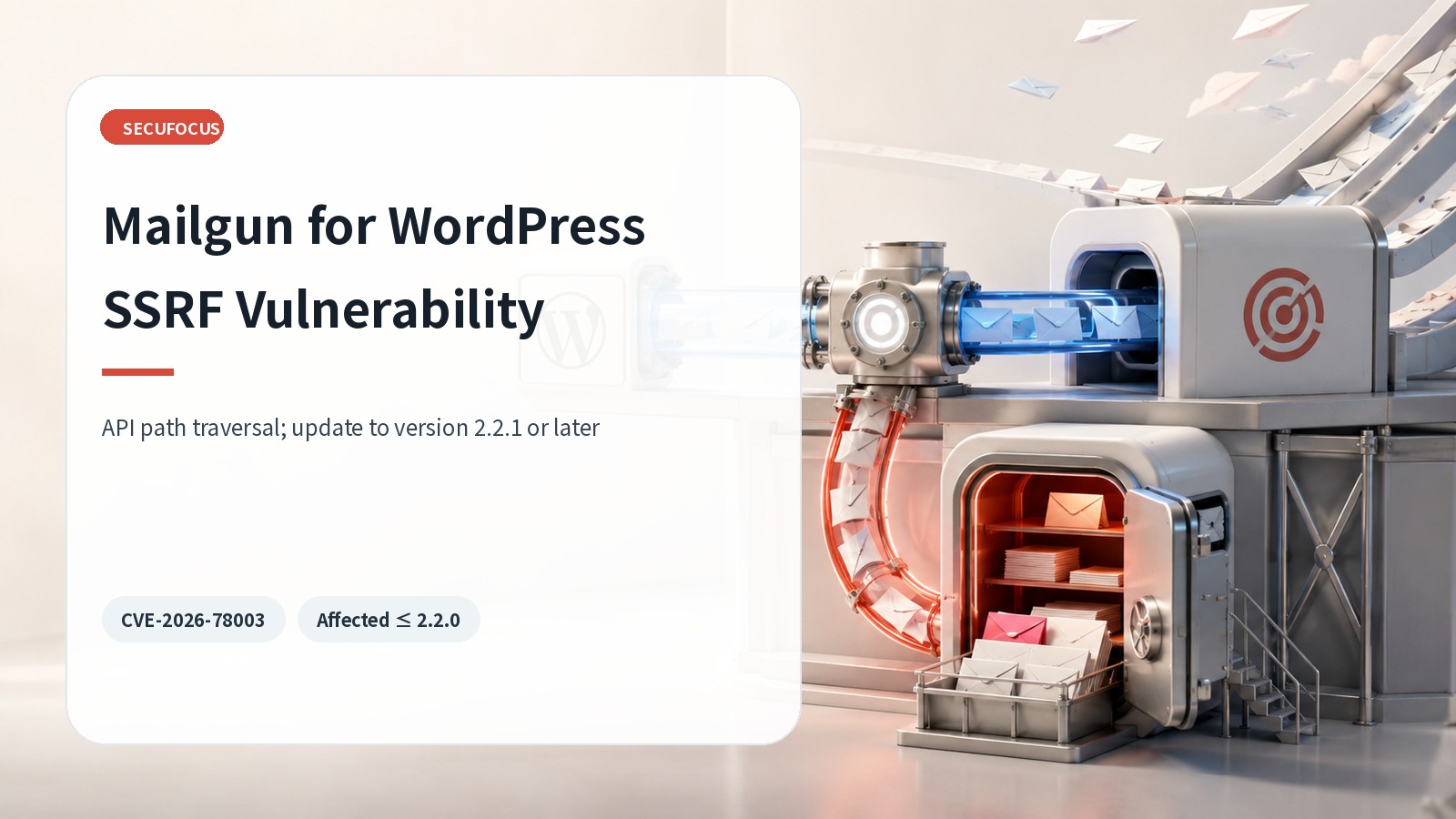
Mailgun for WordPress routes WordPress mail through the Mailgun HTTP API or SMTP. CVE-2026-78003 affects versions through 2.2.0. Insufficient validation in the add_list path lets an unauthenticated request use the site’s stored Mailgun API key to reach an unintended Mailgun API endpoint. The important boundary is therefore not only the WordPress server: the request can cross into Mailgun account configuration under the site’s credentials.
The official CVE scenario describes creation of inbound forwarding routes that may divert password-reset mail and lead to administrator account takeover. Updating the plugin is essential, but the review must also include Mailgun routes, the API key, WordPress administrator changes, and the pre-update exposure window.
Affected and fixed versions
Mailgun for WordPress 2.2.0 and earlier are affected. The WordPress.org changelog says version 2.2.1 added nonce verification and server-side list-address validation to the add_list AJAX action. Version 2.2.2 adds a separate security improvement by replacing SHA-1 and MD5 uses with SHA-256. Administrators should deploy the latest stable release available from WordPress.org rather than treating 2.2.1 as a long-term target.
- Affected: Mailgun for WordPress 2.2.0 and earlier
- Initial fix line: 2.2.1 with nonce and server-side address validation
- Current official version: 2.2.2 with additional hash improvements
Why route review matters
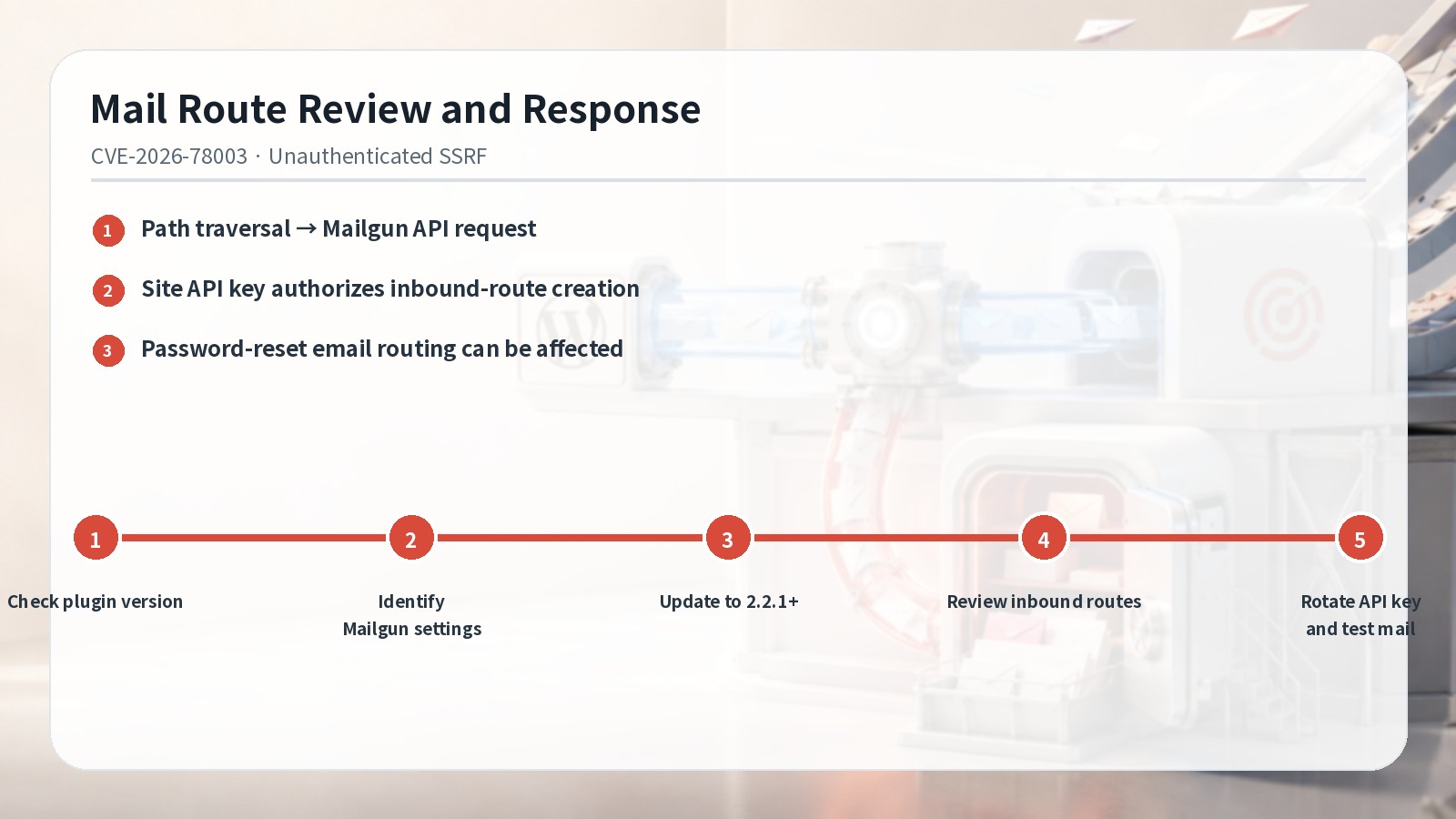
The vulnerable input influences a Mailgun API request path. Even if characters are normalized, the server must still verify that the destination path is one the action is allowed to call. Because the WordPress server sends the request with its own key, web logs alone may not reveal every resulting object in the Mailgun account. Compare WordPress and proxy activity with Mailgun route and event history.
Inbound routes determine how received mail is forwarded. Review route names, creation and modification time, matching conditions, and destinations against an approved baseline. Then correlate the same time window with password resets, new administrators, address changes, plugin installation, and theme-file changes using whatever audit sources are present in the environment.
Response order
- Inventory plugin versions and prioritize sites running 2.2.0 or earlier.
- Document the transport mode, Mailgun domain, API-key location, and use of inbound routes.
- Update to 2.2.1 or later, preferably the current stable release.
- Compare inbound routes and relevant events with the approved configuration.
- Rotate the API key when warranted and verify normal and password-reset mail with a controlled test account.
Before updating, preserve a recovery point for WordPress files, the database, plugin settings, and the Mailgun route configuration. After updating, test routine notifications and password-reset mail with a designated test account. Do not use real users or redirect production mail as a validation shortcut.
API-key rotation
When a key has been stored on an externally reachable site running an affected version, plan rotation in a sequence that avoids a mail outage: create the replacement, update WordPress, test delivery, and then revoke the old key. Limit the new key to necessary permissions and separate shared keys across sites when feasible. Rotation does not remove a route that was already created, so route review and key replacement are separate completion items.
Closeout evidence
Where one Mailgun domain or key supports several workflows, validate registration, password reset, transactional notices, and administrative alerts separately. A single successful test message does not prove every route and template is correct. Record representative sender, destination, bounce handling, and event evidence for each workflow while keeping public-path restrictions in place during any troubleshooting.
Record the site, old and new plugin version, update time, Mailgun domain, route-review result, key-rotation decision, and mail-test result. If an unexpected route or administrator change appears, preserve evidence and move into incident response instead of closing the task as a routine patch. A complete result requires a fixed plugin, approved Mailgun routes and credentials, and a reviewed pre-update exposure window.
Sources reviewed
- CVE-2026-78003 RecordCVE Program · Official source
- Mailgun for WordPressWordPress.org · Official source
SECUFOCUS NOW reorganized and analyzed the material above. This article does not replace the original sources.
Related SecuNote articles

TranslatePress Account Takeover Vulnerability: CVE-2026-19632 Scope and Response
How CVE-2026-19632 can expose WordPress password-reset links in TranslatePress, which versions are affected, and how to update and…

Two fast-uri Host Parsing Flaws: Attack Conditions and Response
Two fast-uri flaws can make the checked host differ from the connected destination. This guide covers affected ranges, fixes, and…

WS Form LITE PHP Object Injection (CVE-2026-4703): Scope and Response
A defensive guide to CVE-2026-4703 in WS Form LITE, including affected versions, the conditional POP-chain impact, updating, and…
Comments
No comments yet.