
ValleyRAT Campaign Hides Behind Signed Adware to Deliver a Backdoor
A modified QN Wallpaper installer used a signed executable and DLL sideloading to launch ValleyRAT. This analysis explains the infection chain, the backdoor's capabilities, and a practical containment and recovery sequence.
Incident overview
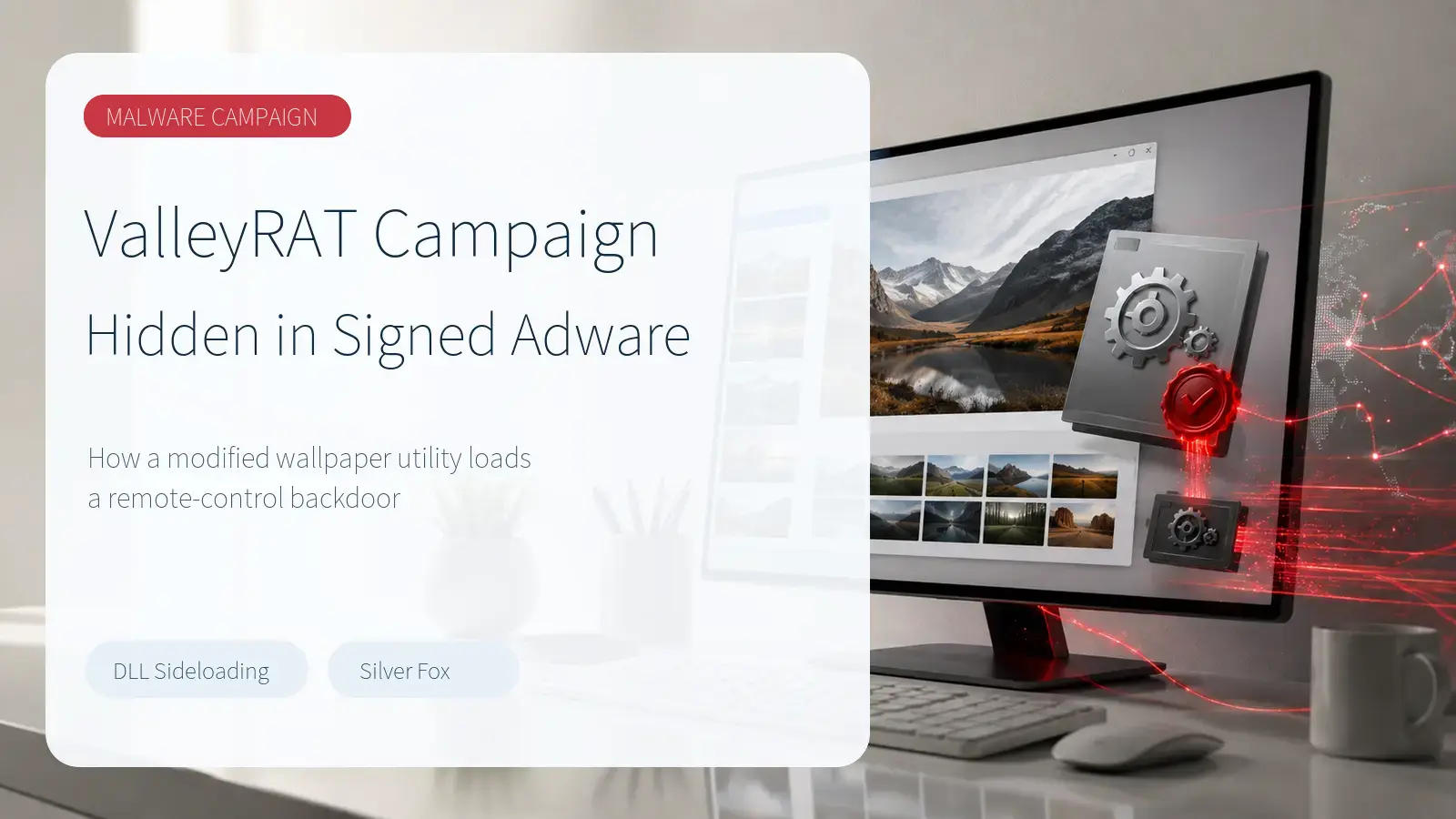
On August 31, 2026, Kaspersky published an investigation into a ValleyRAT delivery chain disguised as adware. The case began with an installer submitted by a customer. It appeared to be a modified build of QN Wallpaper, a Chinese-language wallpaper utility. Some variants also opened or installed familiar applications such as DingTalk, Google Chrome, or Tencent Meeting, giving the victim a plausible visible result while the malicious chain continued in the background.
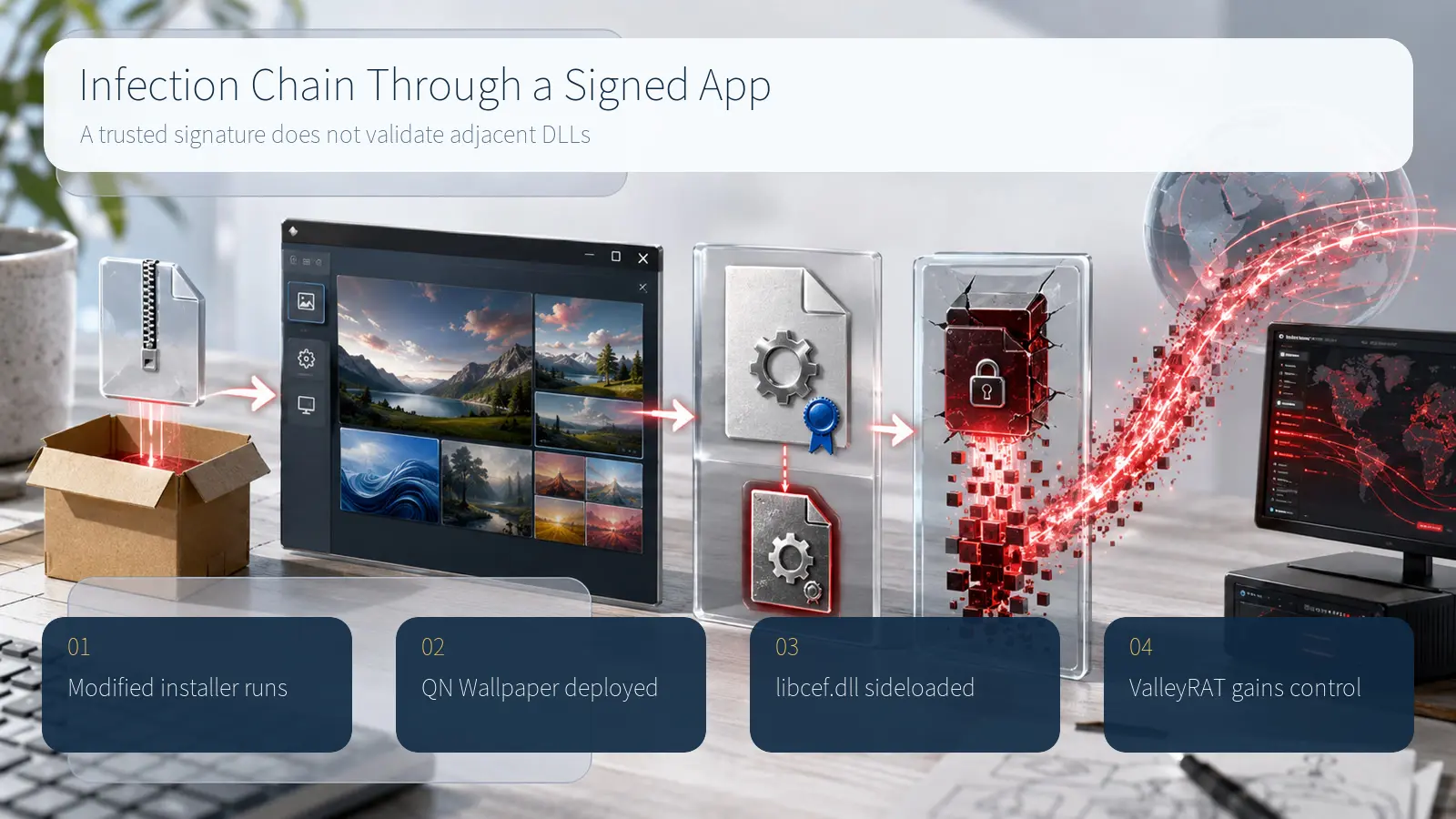
The campaign's defining technique was the use of a legitimately signed executable beside a malicious DLL. QnWallpaper.exe carried a valid digital signature, but the adjacent libcef.dll was attacker-controlled. When the trusted program searched its local directory for the library, it loaded the malicious copy first. This DLL sideloading arrangement borrowed trust from the signed application without extending that trust to the rest of the installer bundle.
Trust borrowed from a signed application
The installer unpacked QN Wallpaper under the user's profile, created an autorun entry, attempted to manipulate the Windows Defender DisableAntiSpyware setting, and launched the signed executable. The wallpaper program supplied the expected visual cover. At the same time, libcef.dll decrypted and launched the ValleyRAT payload in memory. Kaspersky observed one variant storing AES-encrypted data in a PeLoader file and another embedding it in the malicious DLL's resources.
Backdoor execution and persistence
After execution, ValleyRAT established persistence through file associations or startup entries and attempted to obtain administrator privileges through runas. The malware could inject restart logic into svchost.exe, mark its process as critical, and relaunch after an exception. Those mechanisms were designed to keep the backdoor available even when an individual process failed or an analyst tried to interrupt it.
The investigated build supported keylogging, clipboard collection, system discovery, and screenshots. It could also clear logs, change command-and-control addresses, and download additional modules. That capability set moves the incident far beyond unwanted advertising: credentials typed or copied on the endpoint, active business sessions, and data visible on screen can all become part of the attacker's remote tasking.
Interpreting the activity figures
Kaspersky reported more than 100,000 detections of ValleyRAT and related malware across over 1,500 unique users during 2026, with most observations in China and India. Those figures cover the wider ValleyRAT activity set, not only the modified QN Wallpaper route. They should therefore be read as evidence of continued multi-channel operation rather than as a victim count for this single installer.
Based on geography, tooling, and similarities with earlier operations, the researchers assessed a likely link to the Chinese-speaking Silver Fox threat group. For defenders, the durable lesson is the delivery pattern: software obtained outside an approved channel, a signed executable loading a nearby DLL, followed by autorun and security-setting changes. Those events are more actionable than the actor label alone.
Containment and endpoint review
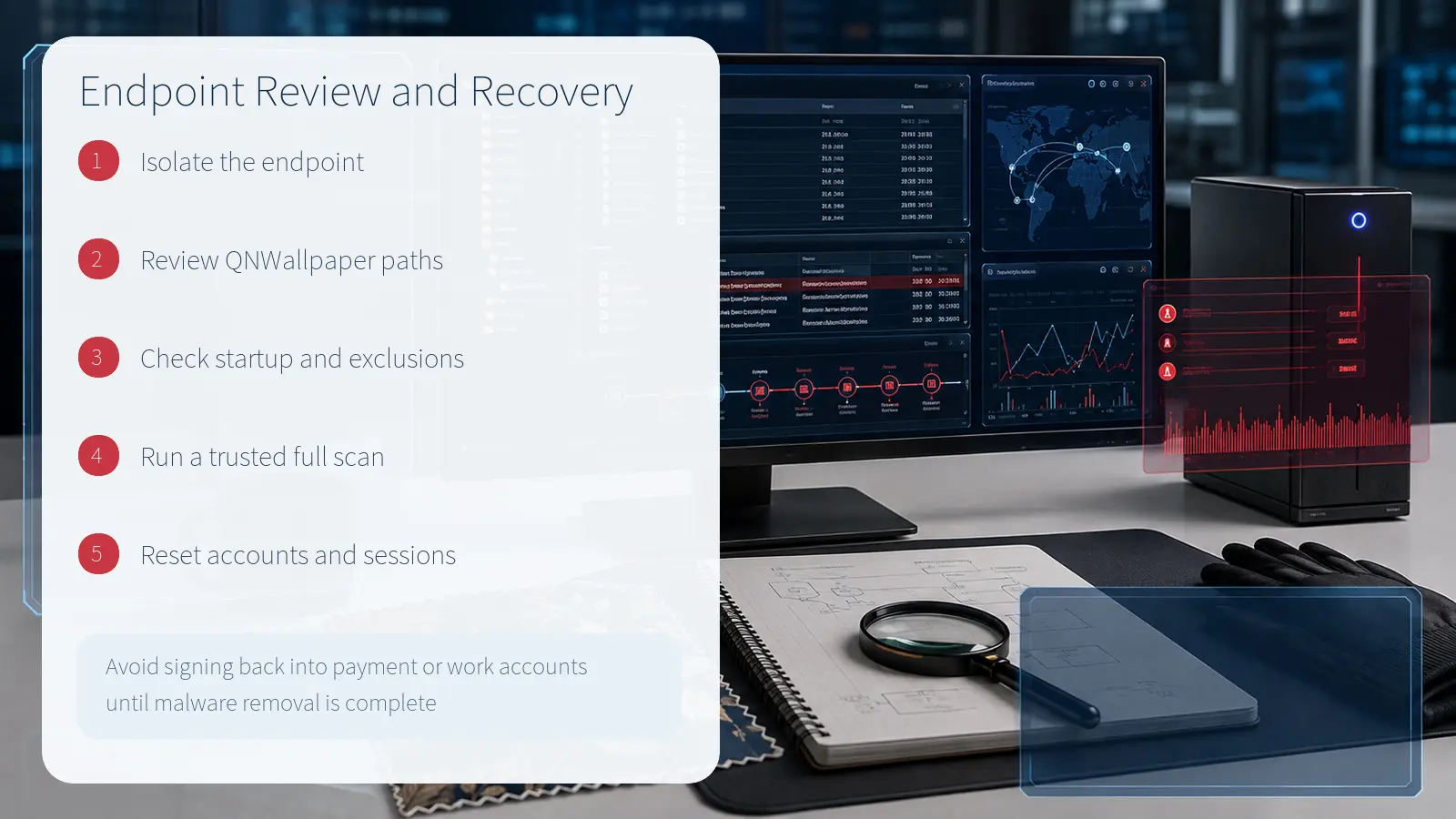
A suspected endpoint should first be isolated from the network to limit additional commands, lateral movement, and data transfer. Microsoft Defender for Endpoint provides device isolation, antivirus scanning, and investigation-package collection from the device page. On an unmanaged computer, disconnect wired and wireless networking and use a separate clean device to obtain response instructions. Isolation should precede deletion so evidence can be preserved while communications are contained.
Review the QNWallpaper installation directory as a bundle. Examine QnWallpaper.exe together with libcef.dll, payload containers, files created at similar times, autorun entries, and security exclusion changes. A valid signature explains the identity of one executable; it does not validate neighboring DLLs. In an enterprise investigation, correlate file creation, process execution, registry changes, and outbound connections on one timeline.
Recovery and account protection
Run a full scan with a trusted security product, quarantine detected files, and verify that startup and exclusion settings match the intended policy. Managed endpoints should follow the organization's evidence-preservation and reimaging standards. Because this backdoor can observe keystrokes, clipboard contents, and screens, avoid signing back into payment or business accounts until malware removal and endpoint validation are complete.
Perform account recovery from a clean device. Prioritize administrator, email, financial, and password-manager accounts used during the suspected exposure period. End active sessions, reset relevant passwords, and review multifactor authentication methods and recovery contacts. Microsoft's incident-response guidance recommends focusing password resets on accounts supported by the investigation and carrying them out in a controlled sequence.
Defensive priorities
- Install wallpaper, conferencing, and browser utilities only from the vendor's official channel or an approved enterprise catalog.
- Validate every executable and DLL in an installation bundle instead of treating one signed file as proof for the entire directory.
- Investigate user-profile software deployment, autorun creation, and security-exclusion changes as a connected sequence.
- Use application-control rules that account for publisher, path, hash, child processes, and unexpected local DLL loading.
- Preserve evidence and isolate first, then scan, reimage when required, and recover affected accounts from a clean device.
The ValleyRAT case demonstrates why a familiar interface and a valid signature cannot substitute for provenance and behavioral review. Defenders need to connect the installer's source, adjacent libraries, persistence changes, security-control tampering, and subsequent network activity. Avoiding unofficial modified software is the most direct user control; monitoring signed-application DLL sideloading and unauthorized installations is the corresponding enterprise control.
Sources reviewed
- ValleyRAT masquerading as adwareKaspersky Securelist · Official source
- Take response actions on a device in Microsoft Defender for EndpointMicrosoft Learn · Official source
- Incident response overviewMicrosoft Learn · Official source
- ValleyRAT Backdoor Hides in Signed Adware Using DLL SideloadingThe Hacker News
SECUFOCUS NOW reorganized and analyzed the material above. This article does not replace the original sources.
Related SecuNote articles
Langflow Code Injection RCE (CVE-2026-0768): Active Exploitation and Response
CVE-2026-0768 is now being exploited against internet-accessible Langflow deployments. This analysis explains the vulnerable…

Sality Botnet Disruption: How the P2P Sinkhole Cut Its Command Path
A multinational operation disrupted Sality's peer-to-peer command path across more than 15,000 infected hosts. This analysis…

Dropbox Account Breach: Lenovo ID Integration and Confirmed Impact
A legacy Lenovo ID integration enabled unauthorized access to about 5,000 Dropbox accounts. This report explains the confirmed…
Comments
No comments yet.