
What Is a Firewall? How Traffic Rules Work and Where They Apply
A firewall controls traffic between networks or hosts with different security postures. This guide explains rule inputs, state tracking, placement, logging, and the policy lifecycle through a practical traffic flow.
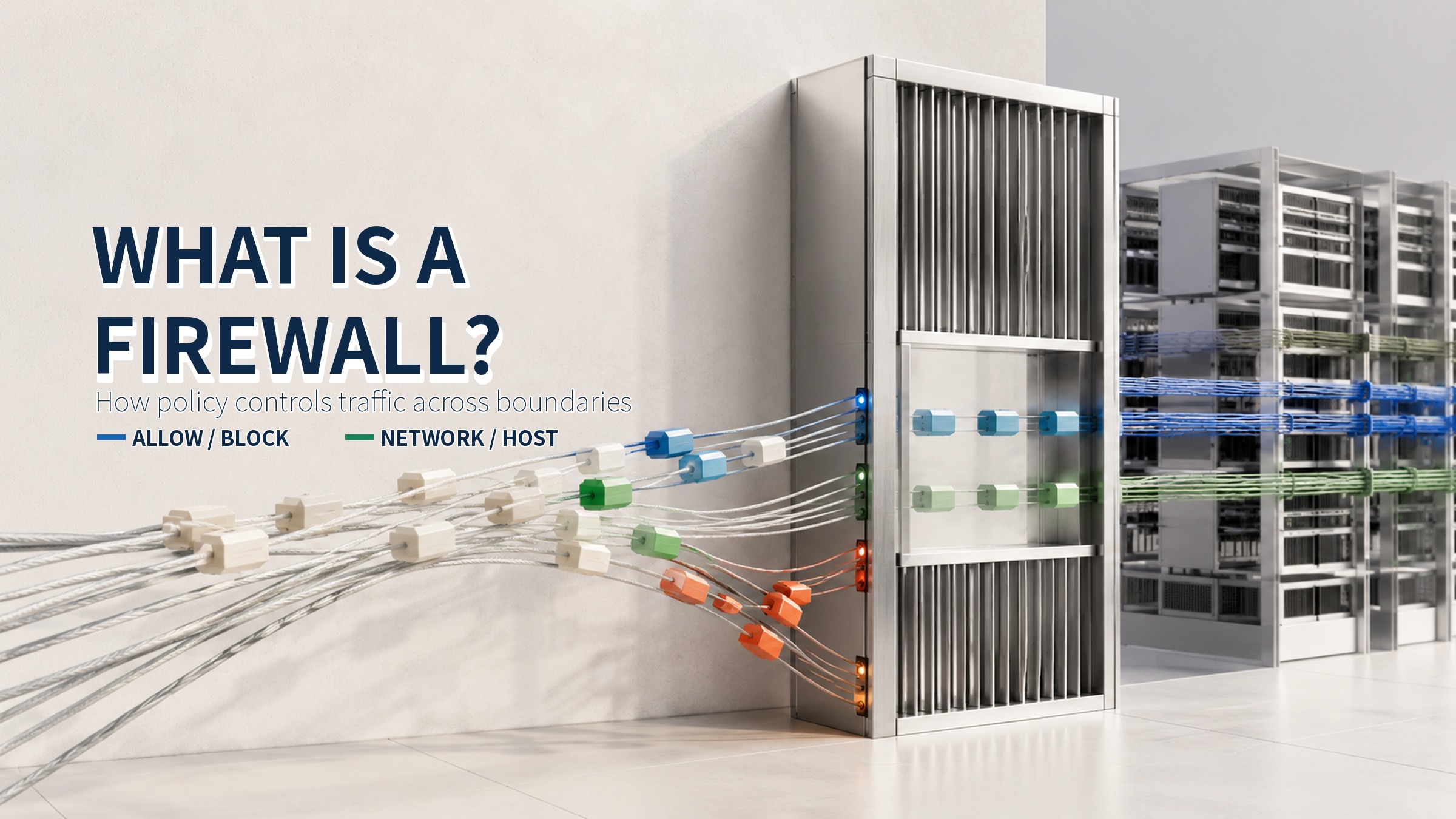
When an employee device connects to a business server, the traffic appears to move directly from source to destination. In a managed environment, it usually crosses an enforcement point that decides whether the connection is permitted. A firewall is the device or program that allows required traffic and blocks traffic that falls outside the defined policy.
NIST defines a firewall as a device or program that controls network traffic between networks or hosts with different security postures. That definition matters: a firewall is not a promise to identify every attack. It is a policy enforcement point for traffic flow. Its value depends on how accurately required communications are expressed, tested, logged, and reviewed.
A gate at the traffic boundary
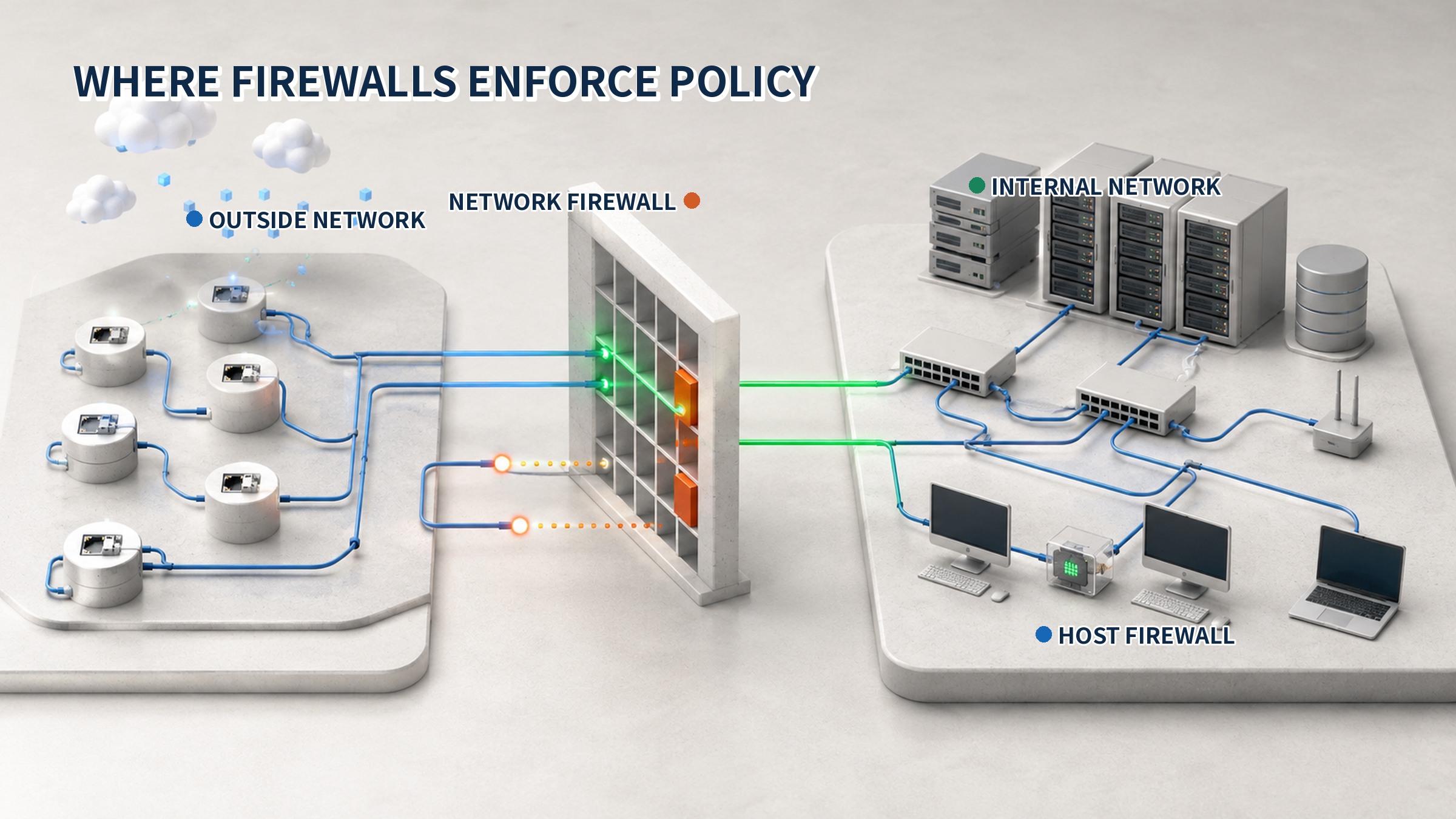
Think of a controlled building entrance. A guard checks identity, destination, and access rights before opening the door. A firewall checks attributes such as source and destination addresses, ports, protocol, and direction, then compares them with rules. Traffic that matches an allow rule can continue; traffic that does not meet policy is blocked. The enforcement point must sit on the actual route the traffic takes.
The boundary is not limited to the internet edge. It may exist between user and server networks, production and development segments, or directly on a host. A network firewall controls a shared path for many systems. A host firewall decides what can enter or leave one device. Both implement the same concept, but at different locations and scopes.
Inputs used by firewall rules
A basic firewall rule combines attributes that identify a communication. The source address shows where traffic began, while the destination address shows where it is going. Protocol and port describe the connection method and service. Direction, interface, network profile, application, or service identity may further narrow the rule, depending on the firewall and deployment.
- Source: the initiating IP address or network range
- Destination: the target system or network range
- Service: protocol and destination port
- Direction: inbound, outbound, or between segments
- Scope: interface, profile, program, or service
A rule for a user network reaching an HTTPS service can specify the user range, the web server, TCP, and destination port 443. Allowing every source, destination, and port is easier to write but greatly expands the permitted path. Precise rules reduce the gap between the business request and the traffic that the firewall actually accepts.
Rule evaluation flow
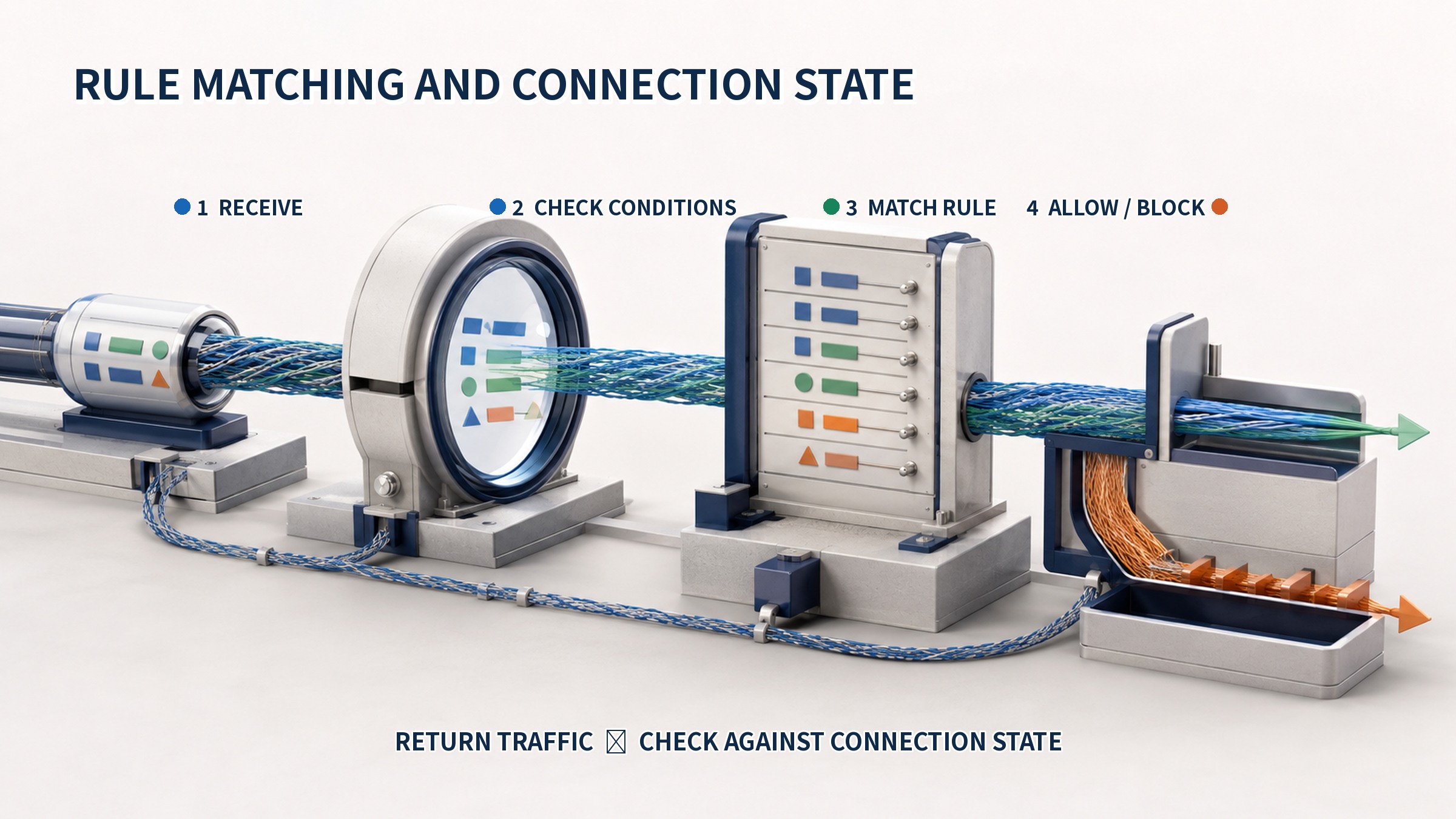
When traffic arrives, the firewall reads its attributes and selects the applicable policy. It evaluates the traffic against rules using the product's ordering and priority model. A matching allow rule forwards the traffic, while a block rule or the absence of permission stops it. Because evaluation models differ, operators must verify both the documented logic and the effective rule order on the deployed system.
- Read source, destination, protocol, port, and direction
- Select the policy for the interface and zone
- Compare rule conditions and priority
- Apply allow or block and record the result
- Maintain state for an allowed connection
Stateful connection tracking
A stateful firewall remembers the progress of a connection instead of treating every packet as unrelated. If an internal client initiates an allowed session, returning traffic can be checked against the stored state. This helps distinguish a response belonging to an established connection from an unexpected new connection that starts outside.
State entries can include addresses, ports, protocol, connection status, and recent activity. Entries expire when sessions end or remain idle. Operators therefore need visibility into connection counts and resource use as well as the rule set, because a saturated state table can affect legitimate communications.
Default policy and exceptions
A policy must define what happens when no rule matches. Explicitly allowing required communications and blocking the remainder makes the permitted scope visible. Broadly allowing traffic and trying to block selected cases later can leave new or unexpected paths outside the intended control.
A default block does not remove the need for planning. Required flows must be discovered, changes tested, and results validated. A temporary allow-any rule placed above specific rules may bypass the rest of the policy. Each exception should record its source, destination, service, owner, purpose, and expiry so that it remains manageable.
The policy lifecycle
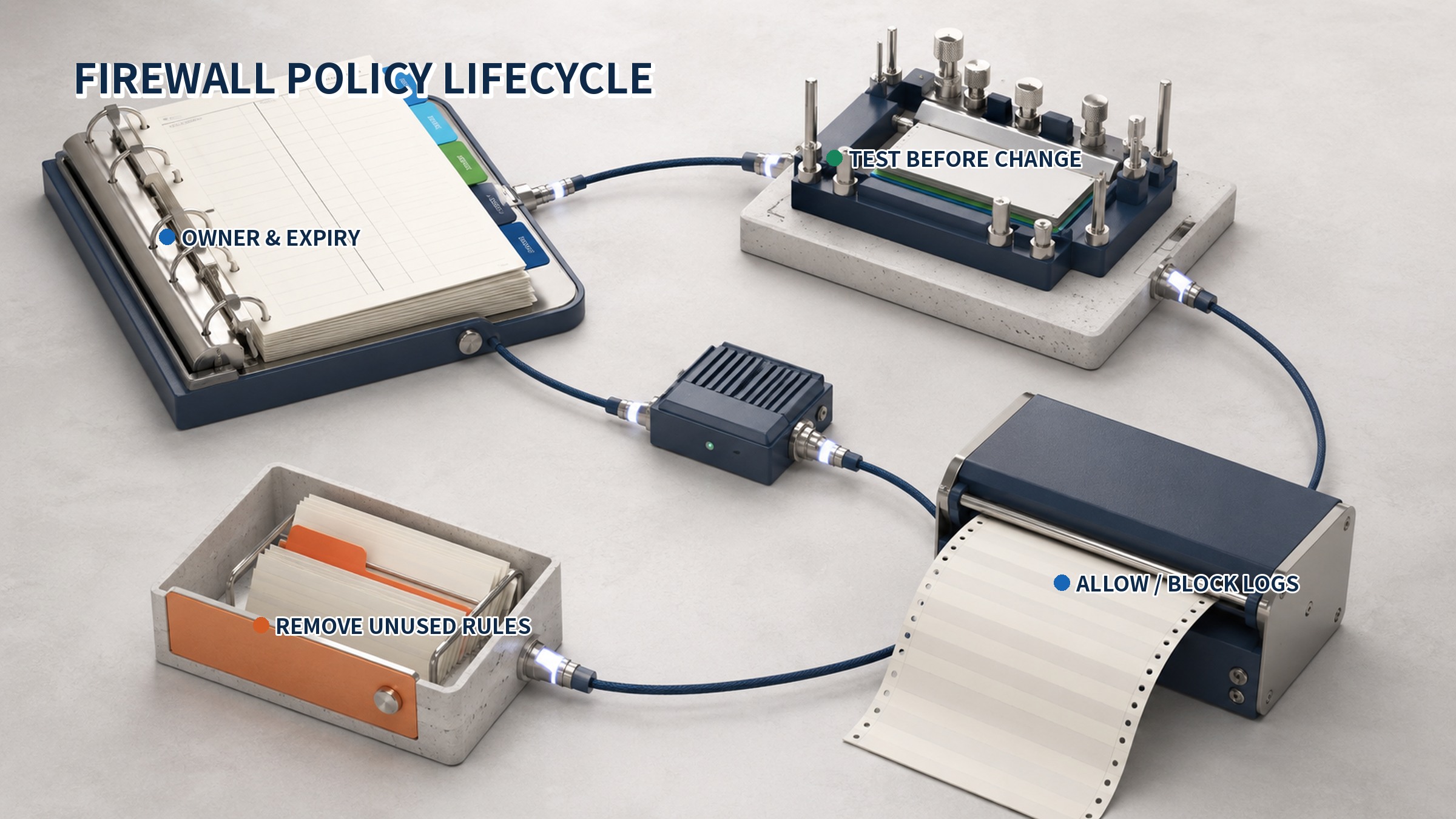
Firewall rules change as services open, systems move, integrations are added, and maintenance windows begin. A request should document the communication purpose, endpoints, service, and duration. Review checks whether the scope exceeds the business need. Implementation planning covers backup, rollback, and a concrete test method.
After deployment, operators compare the actual connection and log fields with the approved request. Temporary rules, rules without owners, and rules pointing to retired systems return to the review queue. Removing confirmed unused entries shortens the policy and reduces the number of possibilities that must be examined during an outage.
What to read in the logs
Logs provide evidence of the firewall's decision. Useful fields commonly include time, action, source and destination, protocol, port, and the matching rule. The number of blocked events alone is less informative than the pattern: which segment is involved, which service is targeted, and whether a new denial began immediately after a policy change.
- Differences in allow and block results before and after a change
- Repeated connections outside expected business hours
- Management ports reached from unexpected sources
- Traffic concentrated on a broad rule
- Exceptions with missing logs or unclear rule names
Logging every allowed packet at the same level can create excessive volume, while recording only blocks can hide how approved paths are used. Prioritize sensitive boundaries, management services, and temporary exceptions. Define retention and search criteria, and keep device time synchronized so firewall events can be correlated with system records.
Limits of a firewall
Traffic permitted by a firewall is not automatically safe. A required port can carry a harmful request, and encrypted sessions may hide content depending on the configured inspection scope. Misuse of an already permitted device or account can also travel through a valid rule. The firewall enforces the boundary expressed in policy; it does not guarantee every action or file carried by an allowed connection.
The most common operational weakness is an inaccurate policy rather than the absence of a device. Long-lived temporary rules, entries with no known purpose, and controls placed away from the real traffic path all weaken enforcement. Operating a firewall well means understanding the communication flow, expressing the minimum required permission, and continuously validating that permission through logs, owners, and expiry dates.
Operational checks
- Confirm that the real routed path crosses the enforcement point
- Match source, destination, service, and direction to the approved request
- Review broad, duplicate, and high-priority rules
- Record owner, purpose, and expiry for temporary access
- Validate both connectivity and logs after every change
- Remove rules for retired systems and expired services after verification
Sources reviewed
- NIST CSRC Glossary: FirewallNIST · Official source
- NIST SP 800-41 Rev. 1, Guidelines on Firewalls and Firewall PolicyNIST · Official source
- Windows 방화벽 개요Microsoft · Official source
SECUFOCUS NOW reorganized and analyzed the material above. This article does not replace the original sources.
Related SecuNote articles

What Is a VPN? Encrypted Tunnels, Traffic Flow, and Connection Scope
A VPN creates a protected communication path over a shared network to connect remote devices or separate private networks. This…
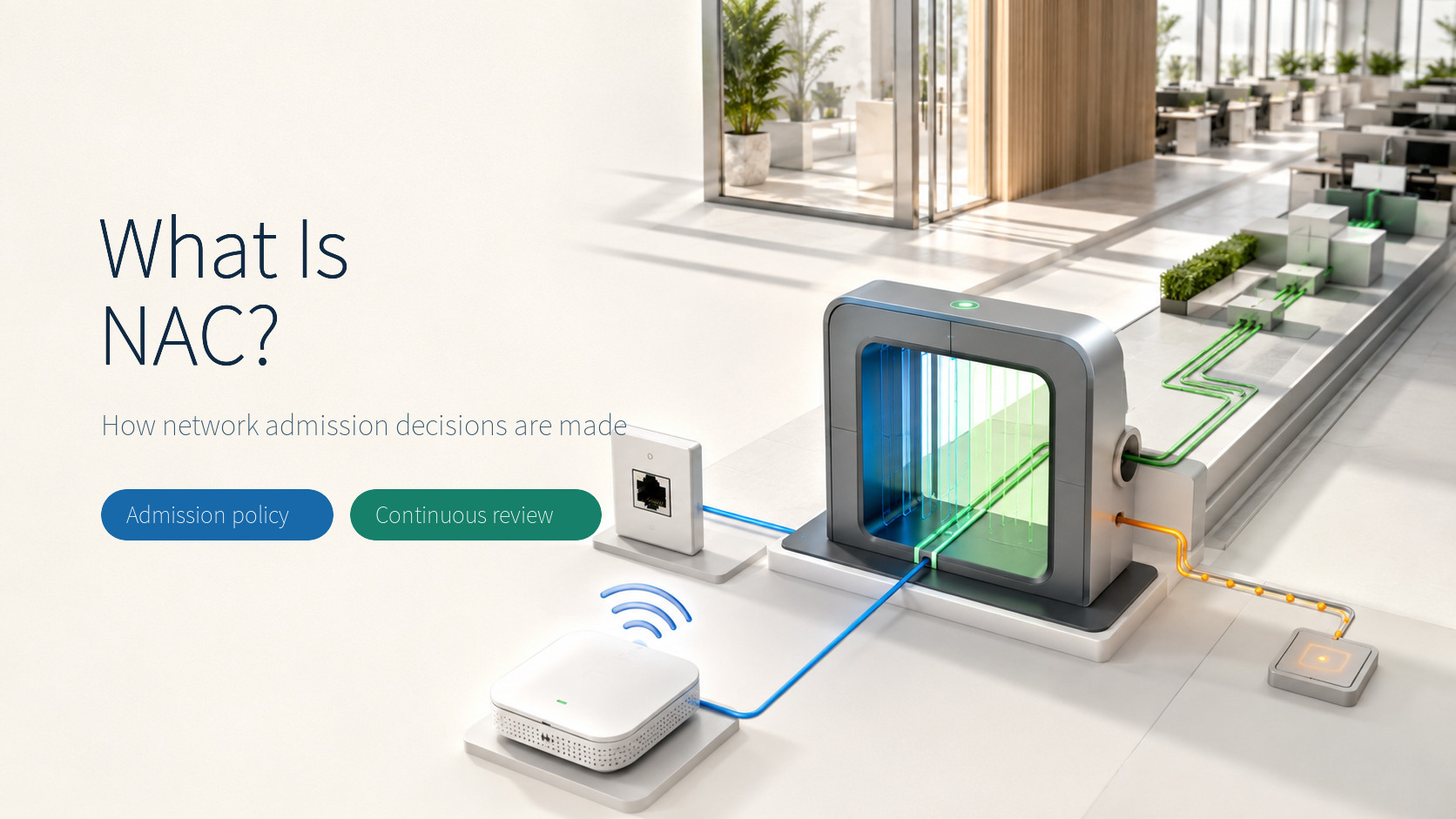
What Is NAC? How Network Admission and Access Decisions Work
Network access control evaluates who and what is connecting, where the request originates, and whether the endpoint meets policy…
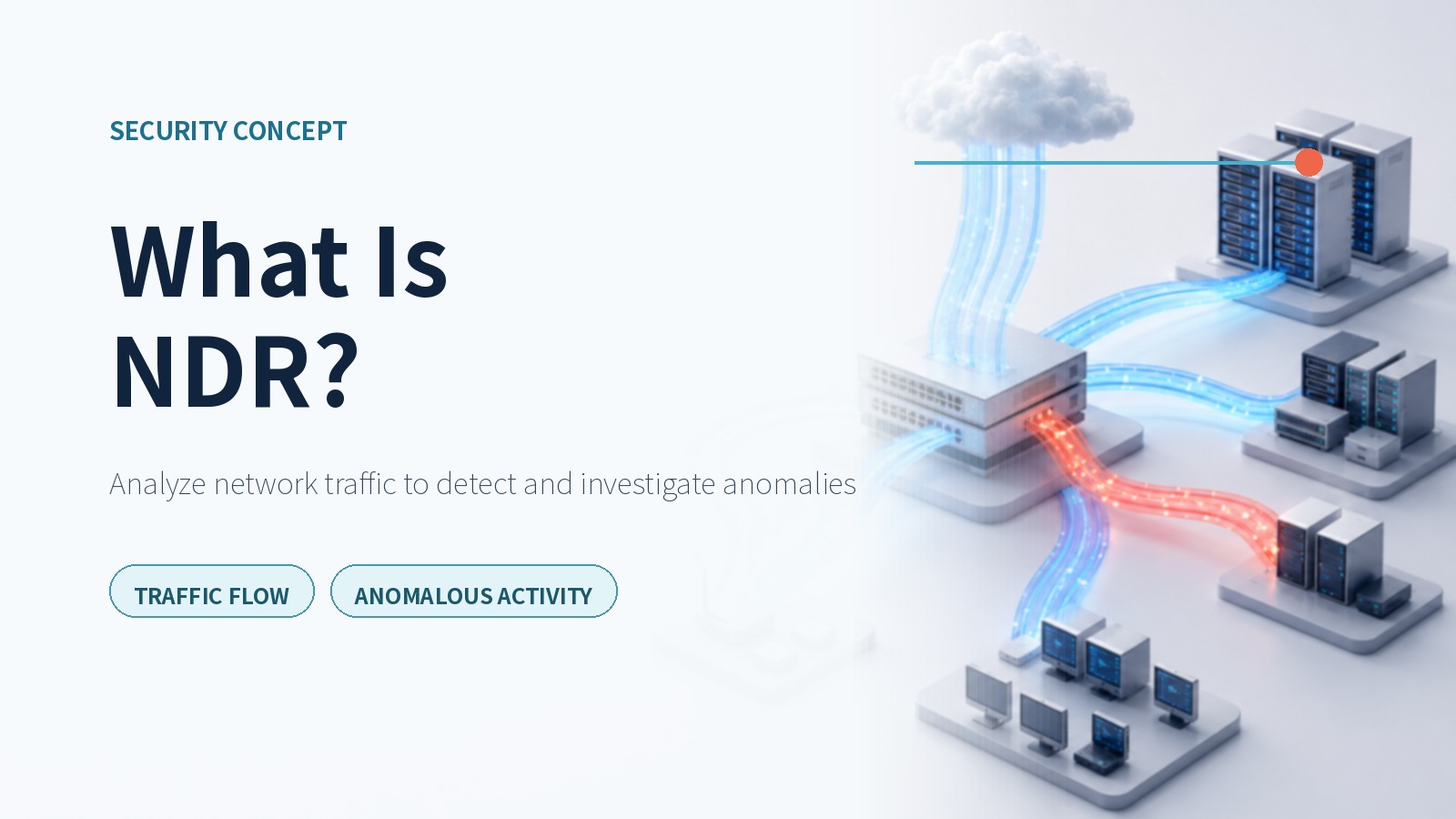
What Is NDR? How Network Detection and Response Analyzes Traffic
A practical explanation of how NDR analyzes north-south and east-west traffic, connects assets and sessions, and turns network…
Comments
No comments yet.