
Fake Tax Notice Phishing: How to Verify an INR 6,000 Payment Demand
A fake notice demanding an INR 6,000 income-tax payment was identified as phishing. Here is how to leave the message-controlled route, verify the notice in an official account, and respond if data or money was already sent.
On August 14, 2026, India’s Press Information Bureau Fact Check unit identified a notice demanding an INR 6,000 income-tax payment as phishing. The specific amount and tax-debt language are designed to make a recipient resolve the payment before checking the route. The reliable test is not whether the document looks official, but whether the obligation appears inside an independently opened official account.
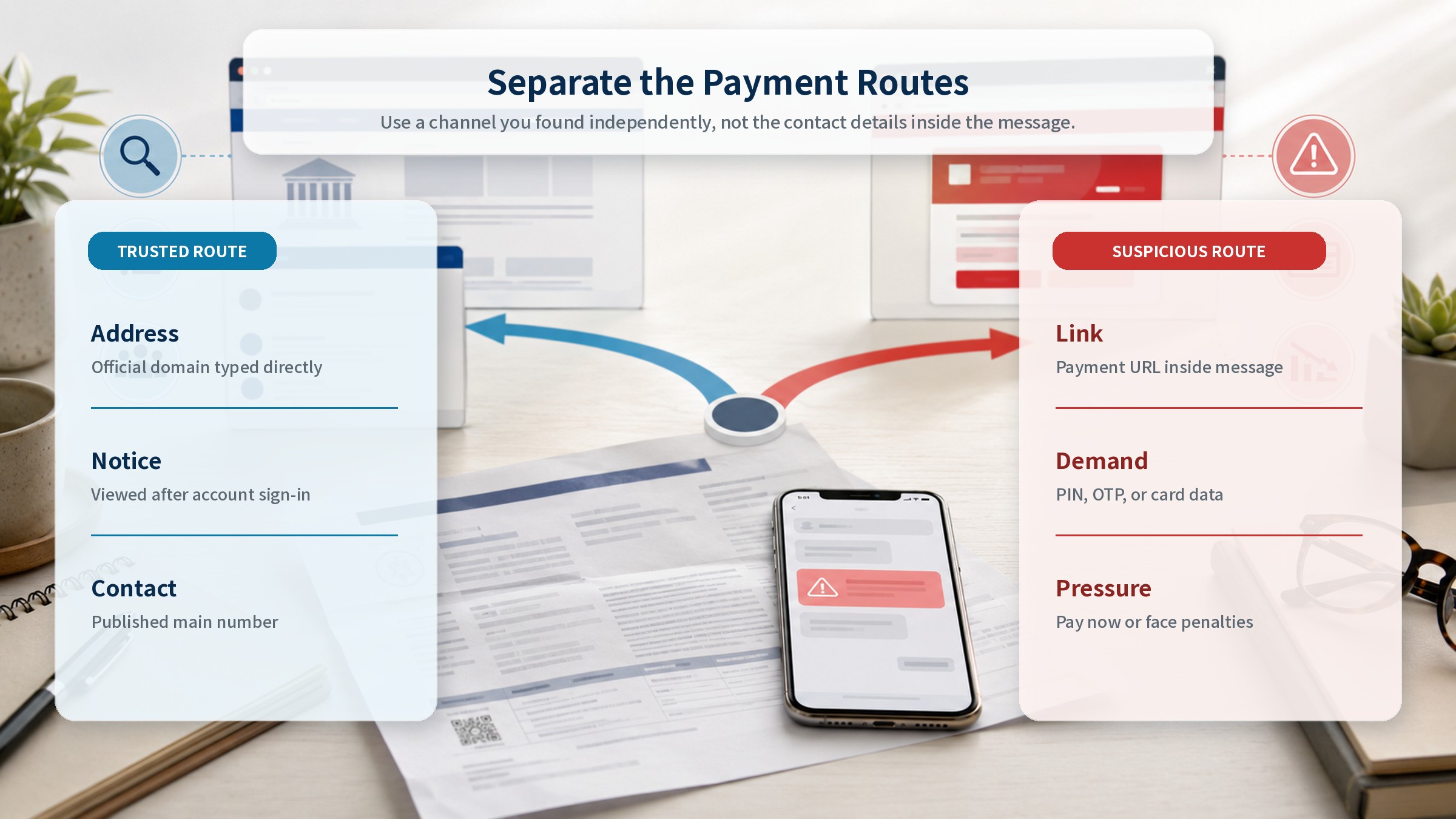
The warning concerns taxpayers in India, but the verification method transfers to any message that invokes taxes, fines, or public charges. A link and phone number supplied inside the message remain part of the sender-controlled route. Close the message and open a trusted bookmark, type the official address yourself, or launch the official app you already use.
Why a Specific Amount Feels Legitimate
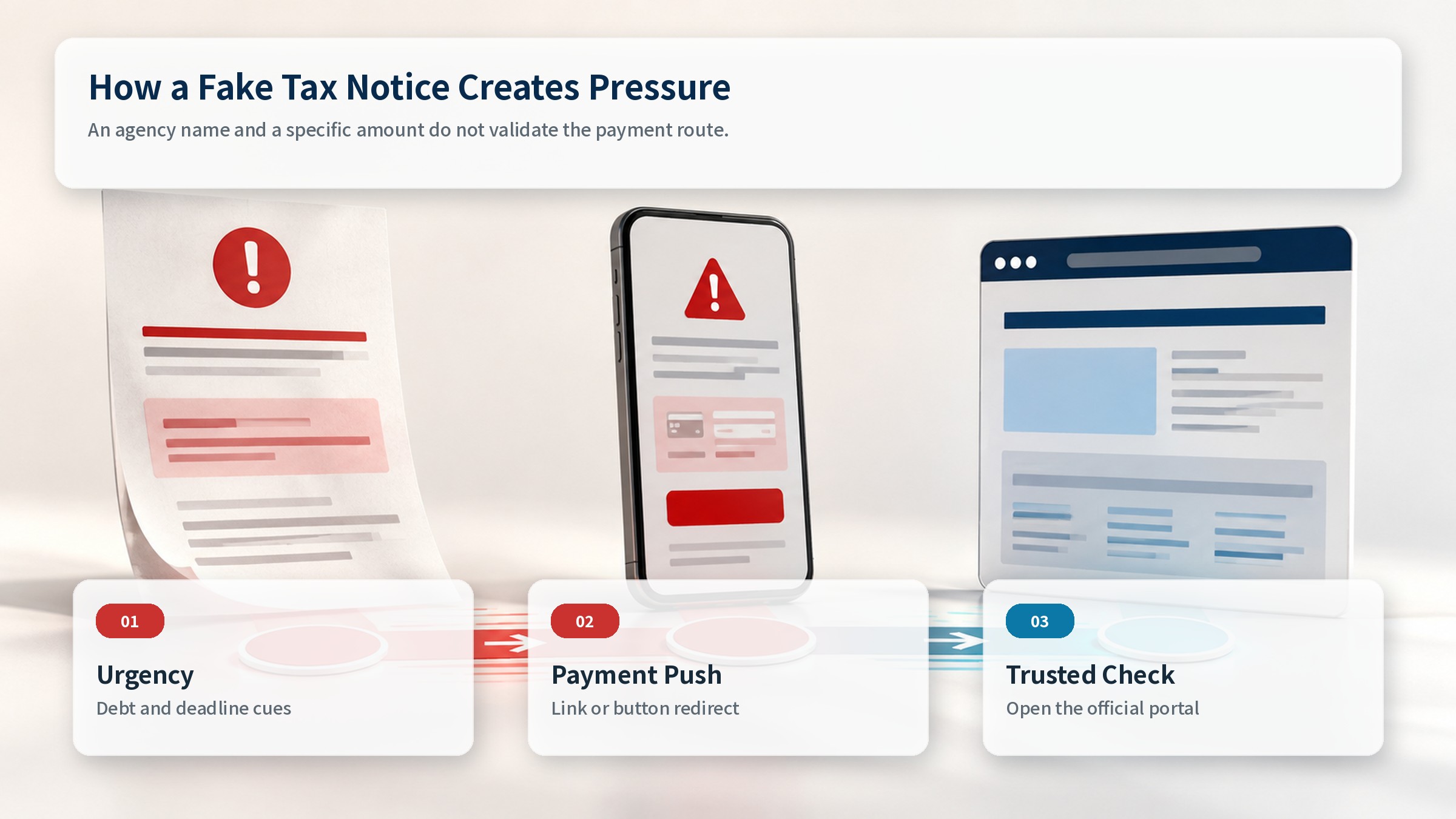
A precise number can make a false demand feel like the result of a completed government calculation. Add a deadline, a penalty, or a delayed refund, and the recipient is pushed toward solving the amount rather than validating the notice. Precision is not proof. First confirm that the same liability, period, notice number, and amount appear after signing in to the agency’s official portal.
Agency names, logos, document colors, and even staff details can be copied from public sources. The existence of a real institution does not authenticate the contact point in front of you. Treat the institution and the route as separate questions: is the organization real, and is this website, number, or account actually operated by it?
A modest amount can also lower resistance. A recipient may resolve a smaller debt quickly, and the first payment screen can collect card and contact data for later demands. Judge the route and the official account record, not whether the amount feels affordable.
The Risk in a Message-Controlled Payment Route
A phishing notice tries to keep every action inside one controlled journey: read the warning, tap the link, enter identity details, and submit card or banking data. The shorter that journey feels, the less time the user has to inspect the address, payee, and purpose. Comparing a suspicious URL character by character is not a strong defense on a small screen. Similar spelling and misleading subdomains are built to survive a quick glance.
A safer choice is to avoid interpreting the supplied link at all. Open a new browser window, type the official domain, or use the official app. Check notices and payments after signing in. A genuine liability should connect to an account record that identifies the period, issuing authority, and formal route for questions or disputes.
Use the same independence for phone checks. A number printed in the suspicious message can route you back to the scammer. Find the main number on the official website, a previous genuine statement, or another established record. End any call that demands immediate payment, screen sharing, remote-control software, or a one-time passcode, then call the published number yourself.
Treat QR codes and attachments as part of the same sender-controlled route. A QR code hides the destination, while a document can push a user toward another site or software download. Check the official inbox first and download only the matching document from the signed-in account.
Checks Before Payment
- Do not open the message link, QR code, or attachment, and leave the payment button.
- Type the agency’s official address or launch the official app you already use.
- Compare the liability, period, notice number, and amount inside the signed-in account.
- Confirm issuance through a main number found independently from the message.
- Do not enter or disclose card data, bank details, PINs, OTPs, or verification codes while the route is unresolved.
Do not rely on a single visual clue. Caller ID can be spoofed, and HTTPS only says the connection is encrypted; it does not prove that the site belongs to the agency you intended to reach. Combine the signed-in portal record, the account notice, and a separately published contact number.
Compare more than the amount. Review the taxpayer name, period, notice number, issue date, due date, and dispute route. A fake message may copy one convincing detail while omitting the surrounding account context.
If You Opened the Link
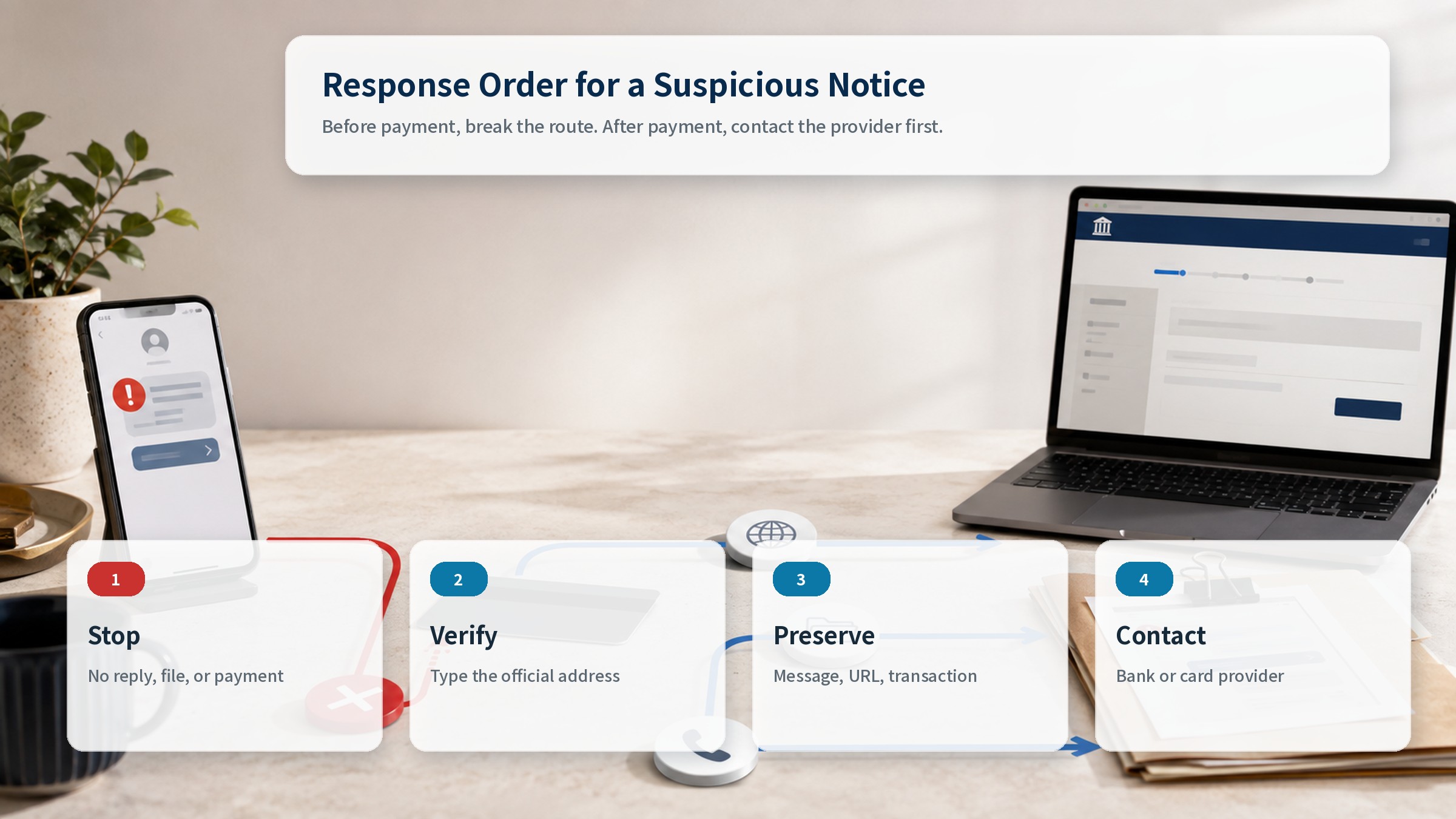
Opening a page does not obligate you to continue. Close the tab. If a download started, do not run the file; remove it and check the browser’s download list. Apply operating-system and browser updates, run the built-in security scan, and revoke any notification permission granted to the site. Then open the official portal separately to review account activity and notices.
If you entered a username and password, change the password on the official site immediately. Replace reused passwords on other accounts with unique ones, enable multifactor authentication, and review recent sessions and recovery details. Prioritize the email account if it may have been exposed, because it often receives password-reset links for other services.
Review installed apps and high-risk permissions if the caller asked you to install remote-support or security software. Perform sensitive account checks from a trusted second device when possible.
If You Entered Payment Data or Paid
If you supplied card, bank, PIN, or OTP information, or received an authorization alert, contact the bank or card provider through its official fraud channel first. Ask about card suspension, online or international payment controls, and measures available for the account. Prepare the transaction time, merchant description, amount, and payment method, even when the transaction is still pending.
Preserve evidence rather than deleting it. Save the original message, sender address, full URL, screenshots, transaction time, authorization number, and a record of what information was requested. Do not reopen the link or send more information to collect evidence. Existing screens and financial records can establish the initial timeline.
Monitor accounts and alerts after the initial response. A blocked first attempt may be followed by a different amount or merchant name. Review saved payment methods and connected devices, and keep the provider’s case number for follow-up.
Blocking Follow-up Impersonation
A responder may be targeted again with promises of recovery, refunds, or investigative help. Continue through the original institution’s published number and case reference. Do not move the process to a personal messaging account or send a new fee to someone who contacted you first.
A Repeatable Verification Habit
Create a fixed route for taxes and public charges before an urgent message arrives. Bookmark the official portal and verify the developer before installing an app from an official app store. Treat alerts only as prompts to check; complete the review and payment inside your established route. Families can agree that any sudden government payment demand will be verified together before money moves.
The decisive detail in this case is not INR 6,000. It is the payment route. As documents and messages become more convincing, visual judgment becomes weaker. Leaving the message, opening the official portal independently, checking the account notice, and calling a published main number are steps the sender cannot easily control. When a message says to pay now, change the route before you consider the payment.
A specific amount and an agency name are not proof. Leave the message and verify the notice inside the official account.
Sources reviewed
- Got Income Tax notice asking you to pay Rs 6,000 in tax? Check this warning from government’s fact check teamThe Economic Times
- Do not get lured by phishing!Income Tax Department, Government of India · Official source
- PIB Fact CheckPress Information Bureau, Government of India · Official source
SECUFOCUS NOW reorganized and analyzed the material above. This article does not replace the original sources.
Related SecuNote articles
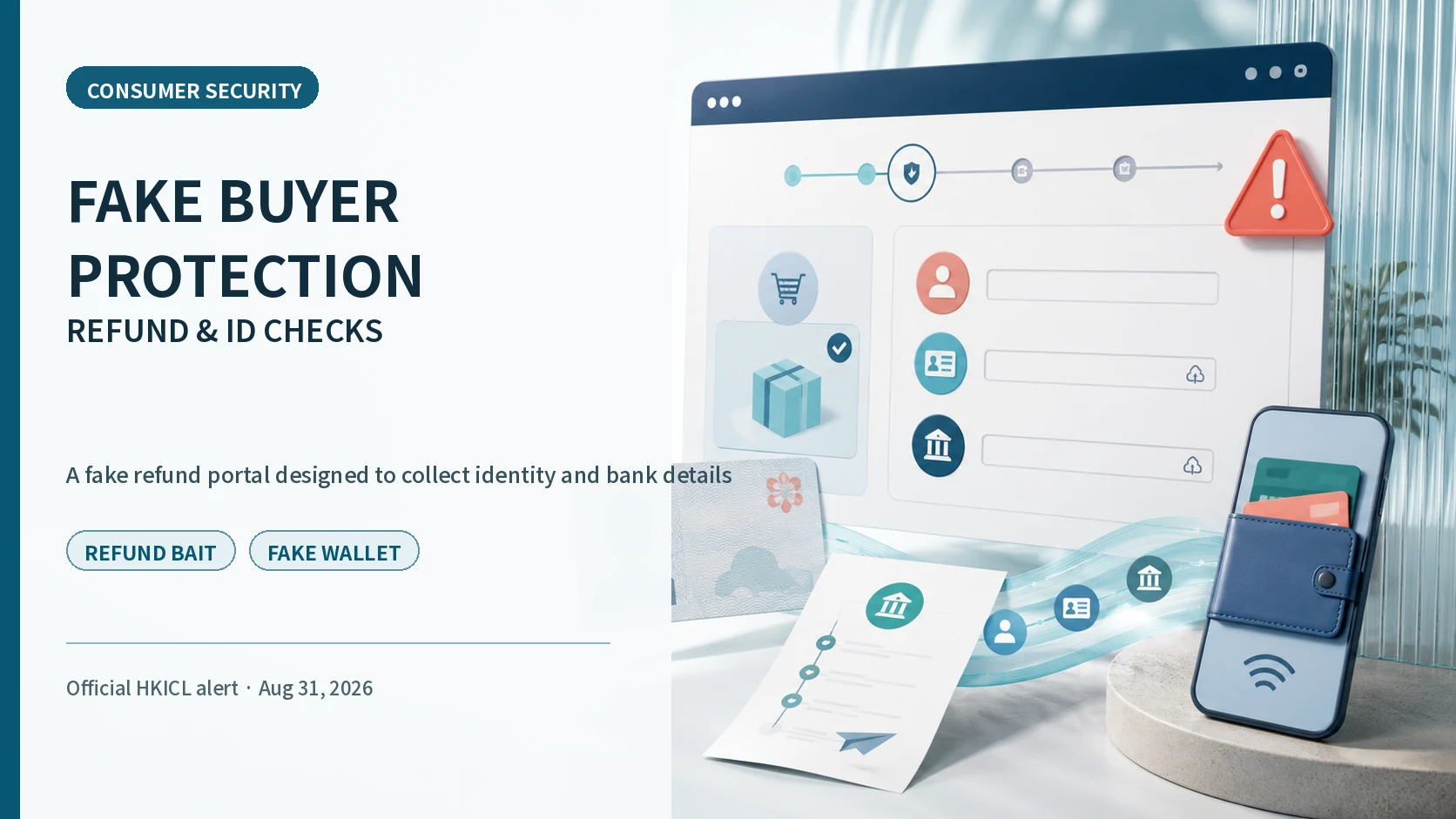
Fake Buyer-Protection Portals: Refund, ID and Bank-Detail Checks
A newly disclosed HKICL impersonation scheme combined refund support, identity verification, bank details, a fake wallet and an…
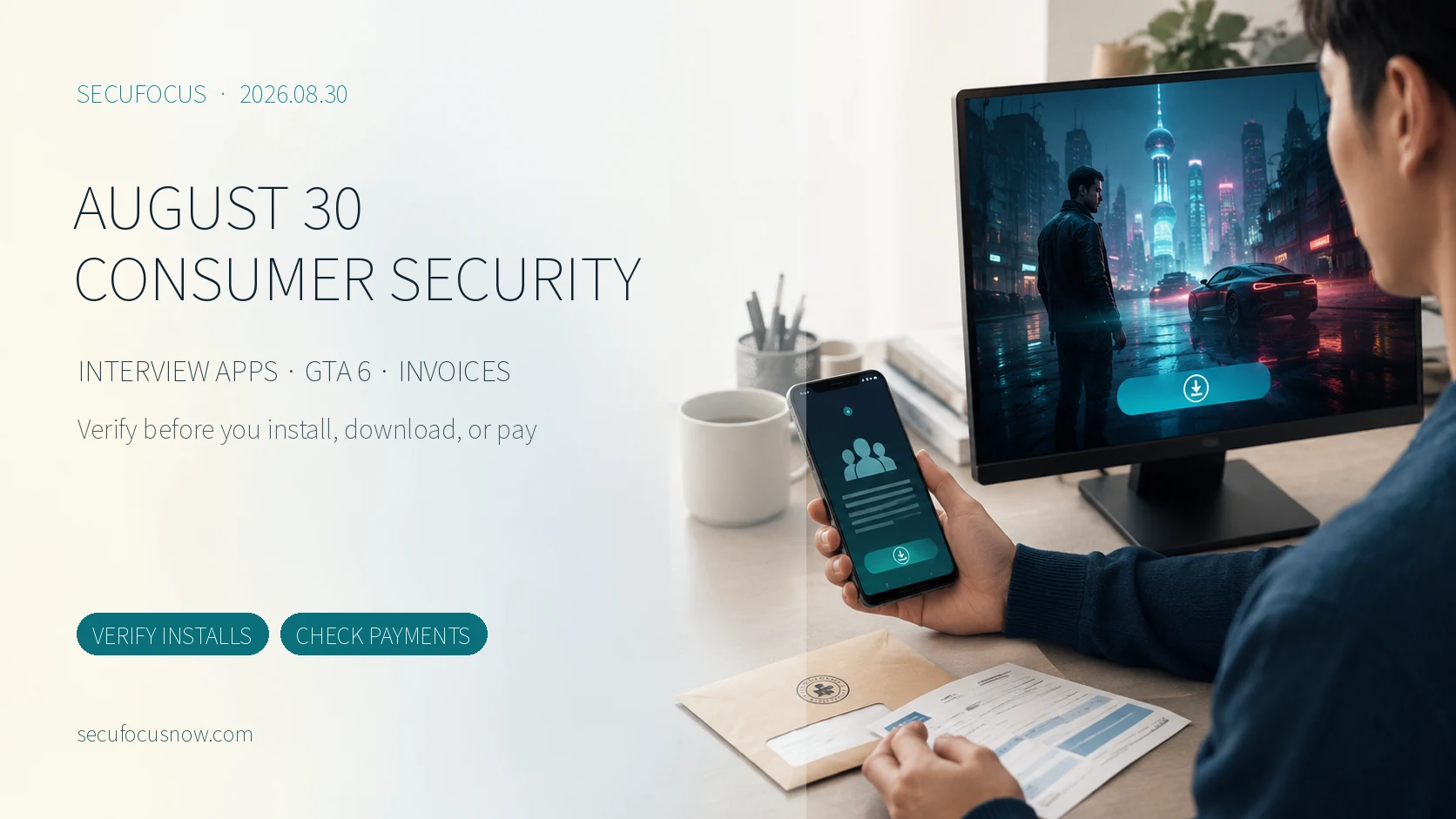
August 30 Consumer Security Briefing: Fake Interview Apps, GTA 6 Downloads, and Municipal Invoices
Three recent schemes exploit trusted moments—a job interview, a highly anticipated game search, and a municipal invoice. This…
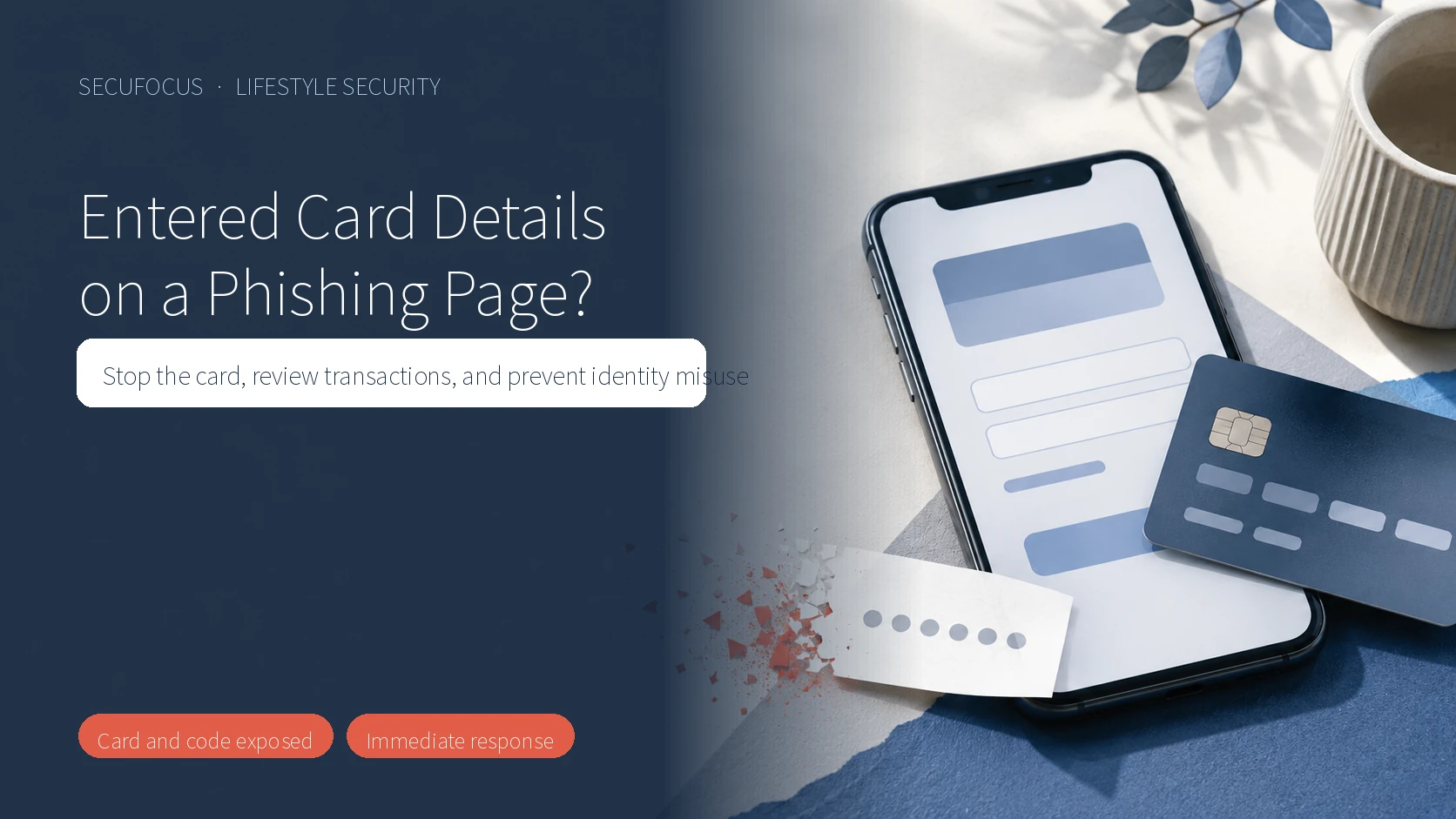
Entered Card Details on a Phishing Page? Stop the Card and Check for Fraud
A step-by-step guide for anyone who entered card details or a verification code on a phishing page, covering card suspension…
Comments
No comments yet.