
Entered Card Details on a Phishing Page? Stop the Card and Check for Fraud
A step-by-step guide for anyone who entered card details or a verification code on a phishing page, covering card suspension, transaction review, replacement, identity safeguards, evidence, and reporting in Korea.
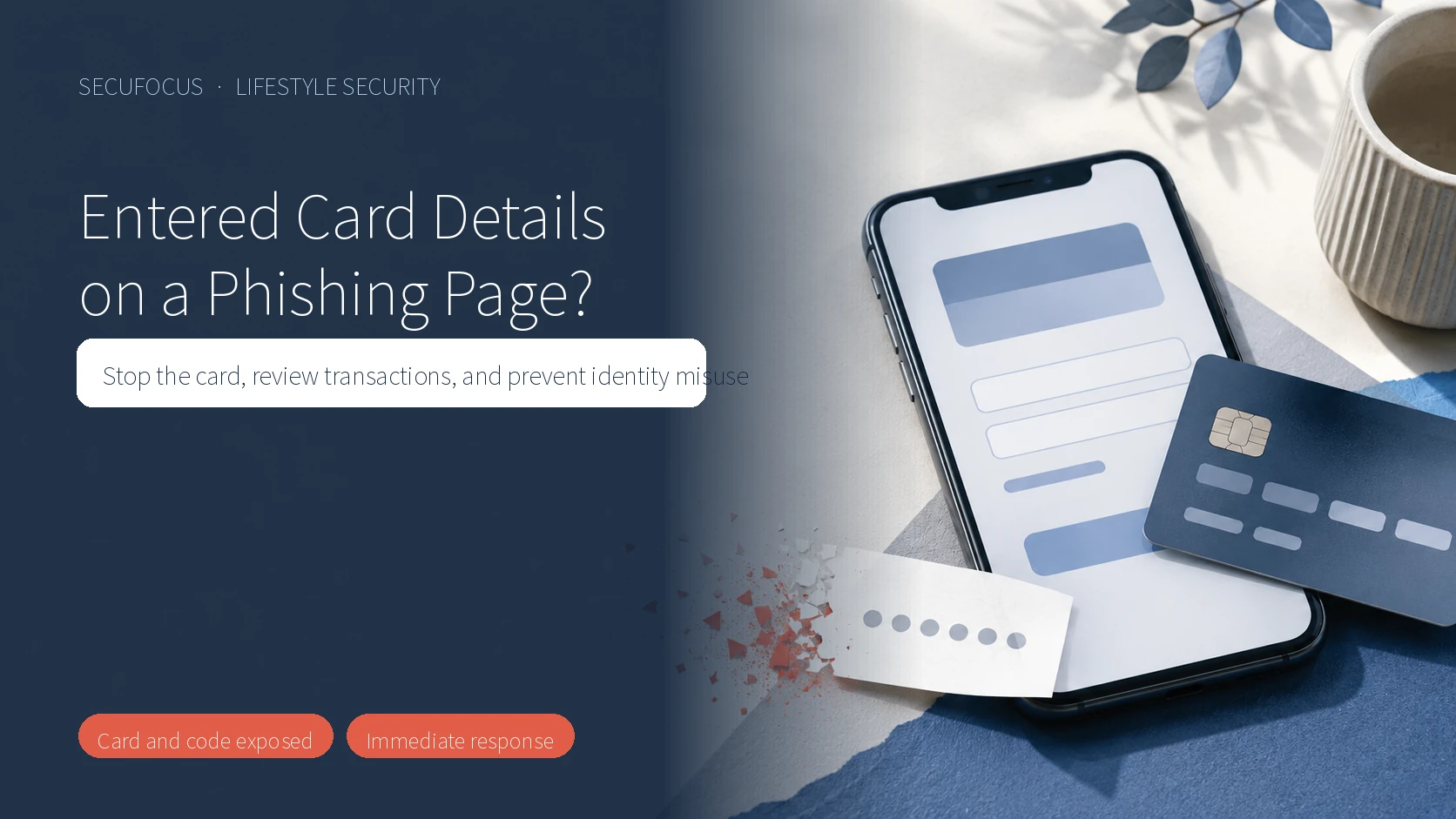
Do not wait for a fraudulent charge to appear. If you entered card details or a verification code, use the issuer’s official app, website, or the number printed on the card—not a contact in the suspicious message—to stop the card first.
A blank error screen or the absence of a payment confirmation does not mean the information stayed on the device. Your next step depends on whether you only opened the link, entered card details, approved a one-time code, installed an app, or found an actual transaction. This guide focuses on containing risk after card information was submitted.
Choose the branch that matches your action
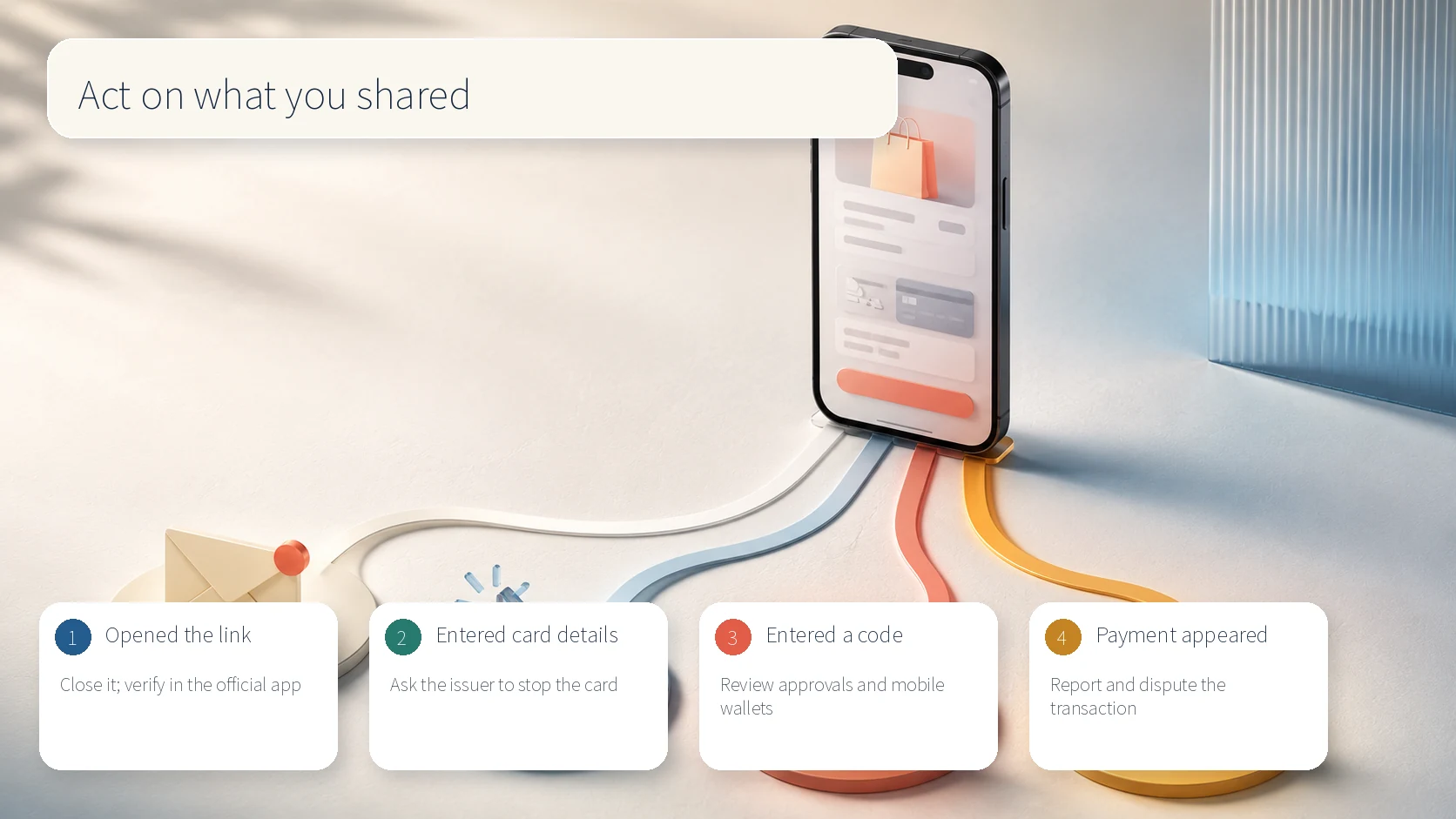
- Opened the link but entered nothing: close it and review activity in the issuer’s official app.
- Entered the card number, expiry date, or security code: tell the issuer the card data was exposed and request suspension and replacement.
- Entered a one-time code or approved an in-app prompt: ask the issuer to review online, overseas, wallet, and pending authorizations.
- Found an unfamiliar payment, cash advance, or card-loan request: report it immediately and start the issuer’s dispute process.
- Installed an app or file: stop using that device for financial activity, contact the issuer from a clean device, and obtain guidance from KISA at 118.
First priority: stop the card
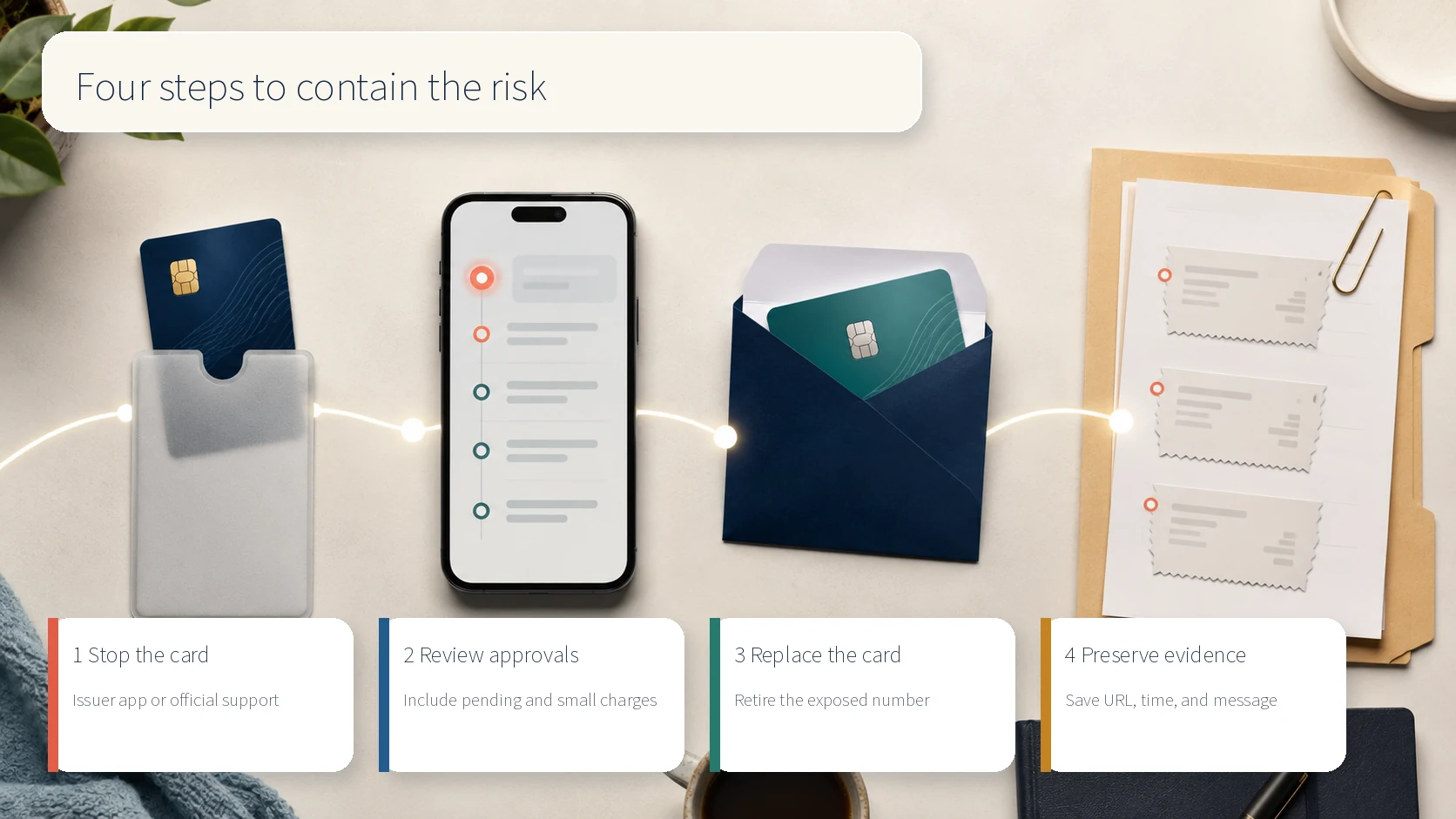
Use the card-management or loss-reporting function in the issuer’s official app, or call official support. Do not use a phone number from the message or a search advertisement. Tell the representative that the details were entered on a phishing page so the review can include online purchases, overseas activity, mobile-wallet registration, and pending authorizations.
Keeping the physical card does not make the exposed number safe. Request a replacement and retire the old number. If you also entered a one-time code or approved a prompt, say so clearly because it may change the authorization review and the issuer’s instructions.
Second priority: review approvals and connected services
After the card is stopped, review recent, reversed, overseas, small-value, and pending authorizations in the official app. Criminals may test a card with a small purchase before attempting a larger one. Use the actual transaction list rather than relying only on push or text alerts.
Check mobile wallets and shopping, delivery, and booking services where the card may be stored. Treat an unfamiliar device-registration notice, payment-method change, shipping address, or order as a separate account-security issue and use that service’s official support route. If the phishing page also collected a service password, change it on the legitimate site and replace reused passwords on other accounts.
Third priority: replace the card and update payments
Confirm in the official app that the old card remains blocked while the replacement is issued. Ignore anyone who contacts you through the original message and claims to help with replacement or cancellation. A legitimate issuer will not need a new verification code through the phishing conversation.
When the new card arrives, review recurring payments before updating them. Some services can receive refreshed card details through issuer or network arrangements, so check the payment-method screen of each service rather than assuming the old number disappeared everywhere. Keep transaction alerts enabled on the new card.
If an unfamiliar transaction appears
Capture the transaction details and report each unfamiliar authorization to the issuer immediately. Record the time, amount, merchant descriptor, domestic or overseas status, and the issuer’s case number. Closing the card alone does not complete a dispute for a transaction that was already authorized.
If the incident also involved a bank transfer, the priority changes: call 112 and the bank used for the transfer immediately and request a payment stop. Do not delay those calls while changing passwords or inspecting the phone. Report card transactions and bank transfers through their respective financial institutions.
If broader identity information was exposed
If the page also collected a Korean resident-registration number, identity-document image, bank credentials, or certificate information, consider registering with the Financial Supervisory Service’s Personal Information Exposure Prevention System. The registration is shared with financial institutions and may trigger stronger identity checks or restrictions on certain new financial transactions.
That registration does not replace a card-fraud report. Handle the exposed card with the issuer, an actual transfer with the bank and 112, and broader identity exposure with identity-misuse safeguards. Finish time-sensitive card suspension and loss reporting before adding preventive blocks.
Preserve evidence and report the phishing attempt
Save the suspicious message, chat history, full URL, time of entry, authorization alerts, and the issuer’s case number. Capture the sender and timestamp without reopening the link. Korea’s Integrated Response Center for Telecommunication Financial Fraud provides reporting paths based on whether the contact involved a call, message, link, or app installation.
KISA’s phishing and smishing checking service and the 118 helpline can assist with suspicious links. Opening a link without installing an app does not by itself justify immediately wiping the phone. If an app was installed or remote-control permission was granted, stop financial activity on that device, use another clean device for reporting and account protection, and follow official inspection guidance.
Actions to avoid
- Do not call a number embedded in the phishing message to cancel the card.
- Do not keep using the exposed card simply because no transaction is visible yet.
- Do not provide another verification code to someone claiming it is needed for cancellation.
- Do not delete the message, URL, and alerts before recording evidence and obtaining a case number.
- Do not factory-reset the phone as the first action without checking whether an app was installed.
- Do not postpone 112 and bank contact after an actual transfer while changing passwords.
Final checklist
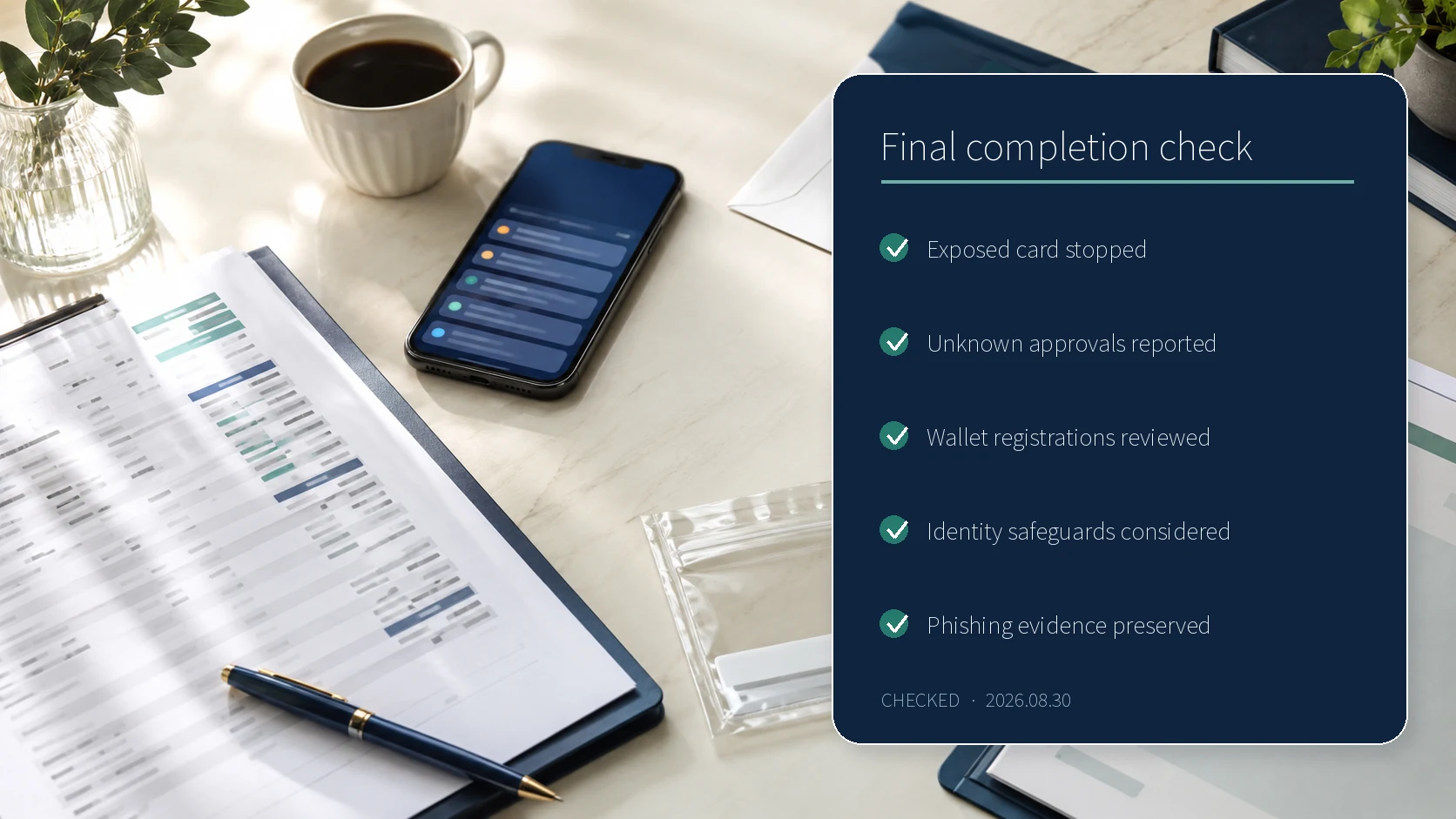
- Confirmed that the exposed card is blocked.
- Reported every unfamiliar or pending authorization.
- Reviewed online, overseas, and mobile-wallet activity.
- Requested replacement and retirement of the old number.
- Considered the FSS exposure registration if broader identity data was shared.
- Preserved the phishing page, URL, message, alerts, and case number.
- Contacted 112 and the bank immediately if a transfer occurred.
Official help routes
Use the card issuer’s official app, website, or the support number printed on the card for suspension, replacement, and transaction disputes. Report telecommunication-based financial fraud through 112 or the Integrated Response Center. The FSS exposure-prevention system supports broader identity safeguards, while KISA and 118 provide phishing and smishing assistance. These routes were rechecked on August 30, 2026.
Sources reviewed
- 신용카드상품 비교공시와 분실·도난 대응 안내여신금융협회 · Official source
- 민생회복 소비쿠폰 조회·신청 사칭 스미싱 소비자경보금융위원회 · Official source
- 개인정보노출자 사고예방시스템금융감독원 · Official source
- 피싱 대응방법과 제보 경로전기통신금융사기 통합대응단 · Official source
- 여행 예약 플랫폼 해킹으로 인한 스미싱 주의 권고한국인터넷진흥원 · Official source
SECUFOCUS NOW reorganized and analyzed the material above. This article does not replace the original sources.
Related SecuNote articles
Fake Buyer-Protection Portals: Refund, ID and Bank-Detail Checks
A newly disclosed HKICL impersonation scheme combined refund support, identity verification, bank details, a fake wallet and an…
Sent Money to a Voice-Phishing Scam in Korea? Payment Stop and Recovery Steps
After a fraudulent bank transfer in Korea, stopping the payment comes before changing passwords. This guide explains the sequence…
Cloned Car Dealership Websites: How to Verify a Vehicle Before Paying
Scammers are cloning real car dealership websites, listings, photos, reviews, and sales policies to demand upfront wire payments…
Comments
No comments yet.