
Fake KakaoTalk Login Campaign Uses a Multi-Stage iOS Exploit Chain
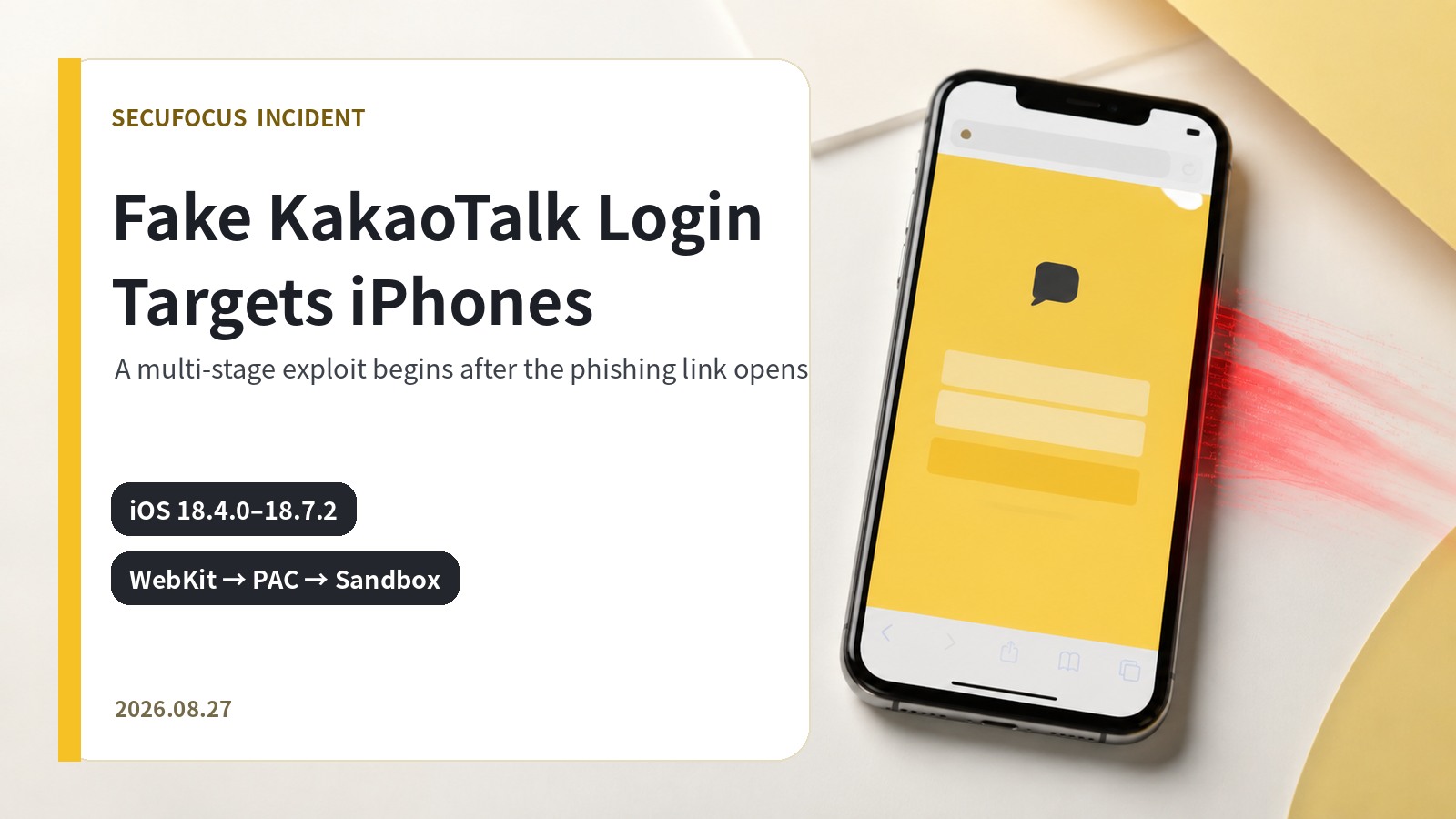
A fake KakaoTalk login page fingerprinted the visitor’s iOS version and attempted a multi-stage exploit chain involving WebKit memory access, PAC bypass, and sandbox escape. This analysis explains the verified flow and the priority actions for users and managed-device teams.
Why the disclosure matters
NuriLab’s disclosure on August 27, 2026 shows that a page designed to resemble KakaoTalk login was more than a credential-harvesting form. Opening the link caused the page to contact a separate attack server, identify the visitor’s iOS version, and deliver an exploit path to devices that matched its conditions. The relevant security boundary was therefore the act of opening the suspicious link on an iPhone, not merely submitting a username or password.
The analyzed code targeted iOS 18.4.0 through 18.7.2 and stopped on 18.7.3 or later. That version gate indicates deliberate victim selection: the operator checked the operating system first and continued only where the exploit chain was expected to work. A familiar Korean messaging brand lowered suspicion while device-specific logic ran behind the imitation login screen.
Verified attack flow
The sequence began when a recipient opened a link delivered through a message. The browser displayed a KakaoTalk-like login page, while its scripts contacted another server and fingerprinted the device before any credentials were submitted. A normal-looking page or a quick close without typing did not prevent this initial device-side activity.
For a matching iOS build, the chain established memory access through WebKit, bypassed Pointer Authentication Code protections, and escaped the iOS sandbox. The final stages were designed to reach files, system and network information, wallet-related data, and Keychain material. This combination of brand impersonation and operating-system exploitation makes the campaign materially different from a conventional password-only phishing page.

Interpreting the version gate
The observed decision to stop on iOS 18.7.3 and later should not be read as proof that 18.7.3 was a dedicated fix for this campaign. It describes the attack code’s execution range. Defenders should update to the newest release Apple offers for each device rather than treating a single threshold as the long-term target.
Apple’s security release list shows iOS and iPadOS 26.6.1 for the current major branch and iOS 18.7.10 for devices remaining on iOS 18, both released on August 17, 2026. The exact offer depends on the device and management policy, so the authoritative check is the Software Update screen in Settings.
Priority actions for users
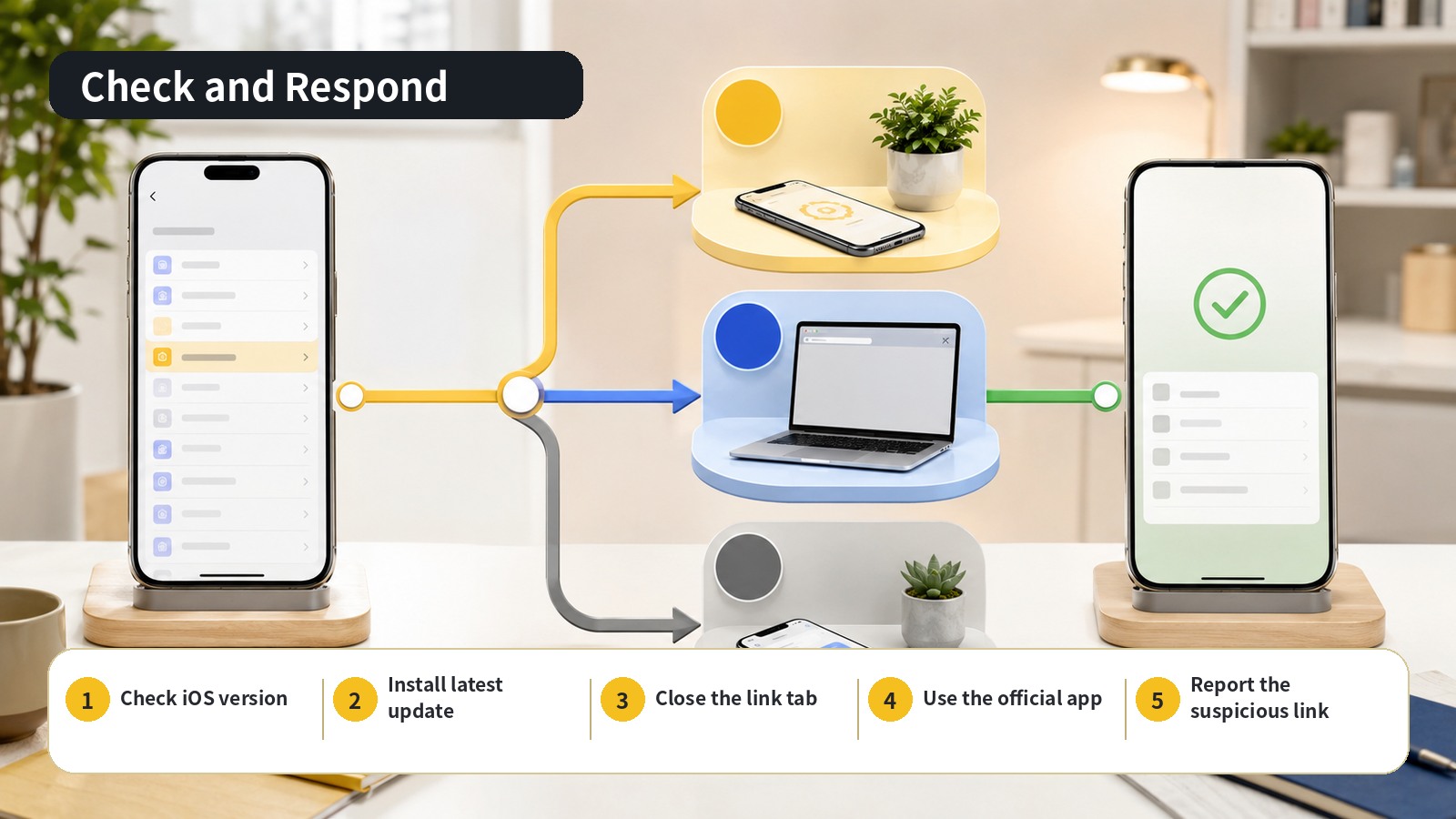
Open Settings, choose General, and then Software Update to install the newest release offered by Apple. Enable automatic download and installation so later security releases are not missed. Start updates from Settings rather than from a message or website link, and complete an appropriate backup before installation.
If you opened a KakaoTalk-looking link, close the tab and do not revisit the address. On a device within the analyzed range, complete the update before using financial, work, or authentication apps. If credentials or authentication information were entered, use the official KakaoTalk app and Kakao Customer Service routes to secure the account. Change any reused password through each service’s official app or a directly typed address, and review login alerts and connected devices.
Preserve the sender, receipt time, and full address in a screenshot before deleting the message. Report that record to Kakao and, for a managed device, to the organization’s security channel. Do not reopen the address to verify it or forward a live link to colleagues; share a screenshot or inert text record instead.
Managed-device review
Organizations managing work iPhones should export OS-version inventory from mobile device management and prioritize devices still on iOS 18.4.0 through 18.7.2. Deploy the latest Apple release available to each model, set a minimum allowed version, and measure update completion rather than relying on a general notice.
Security teams should centralize reports of Kakao login impersonation and review web proxy, protective DNS, and mobile-threat-defense telemetry for related access. For each exposed device, record its OS version, access time, and update completion time. Devices carrying work certificates or management profiles deserve a separate response path because their organizational exposure extends beyond a personal account.
Operational lesson
Brand impersonation cannot be classified solely by the wording and credential form visible on the page. Analysis should also cover immediate outbound connections, device fingerprinting, and operating-system branches. A link-access event can justify an OS and browser security review even when the user submitted no data.
User guidance should likewise go beyond ‘do not enter your password.’ The durable pattern is to avoid login tasks from message links, confirm requests in the official app, keep the operating system current, and report suspicious links without reopening them. Linking these behaviors to fleet controls and access telemetry reduces the opportunity for a multi-stage exploit chain to succeed.
Sources reviewed
- 카카오톡 로그인 페이지로 위장한 iOS 익스플로잇 공격 포착데일리시큐
- Apple security releasesApple · Official source
- About the security content of iOS 26.6.1 and iPadOS 26.6.1Apple · Official source
- About the security content of iOS 18.7.10 and iPadOS 18.7.10Apple · Official source
- Update your iPhone or iPadApple · Official source
- 카카오 고객센터카카오 고객센터 · Official source
SECUFOCUS NOW reorganized and analyzed the material above. This article does not replace the original sources.
Related SecuNote articles

Langflow Code Injection RCE (CVE-2026-0768): Active Exploitation and Response
CVE-2026-0768 is now being exploited against internet-accessible Langflow deployments. This analysis explains the vulnerable…

Sality Botnet Disruption: How the P2P Sinkhole Cut Its Command Path
A multinational operation disrupted Sality's peer-to-peer command path across more than 15,000 infected hosts. This analysis…

Dropbox Account Breach: Lenovo ID Integration and Confirmed Impact
A legacy Lenovo ID integration enabled unauthorized access to about 5,000 Dropbox accounts. This report explains the confirmed…
Comments
No comments yet.