
AJCloud AJY IPC Path Traversal (CVE-2026-56718): Exposure and Response
A practical review of the AJCloud AJY IPC jdbhttpd path traversal, the device files and credentials at risk, and the update and exposure-cleanup sequence.
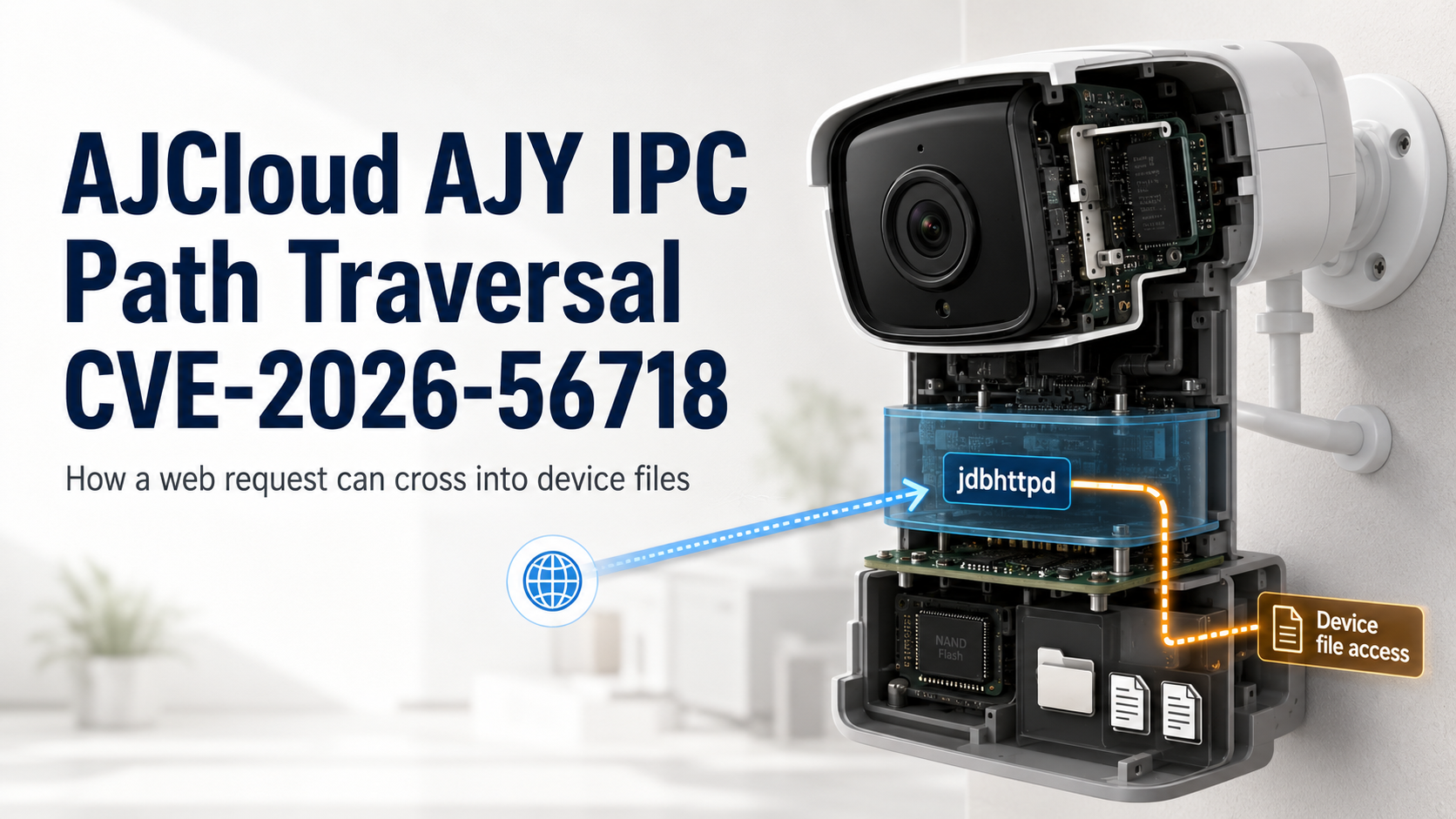
CVE-2026-56718, published on August 30, 2026, is a path traversal vulnerability in the jdbhttpd web service of AJCloud AJY IPC firmware. The CVE record identifies firmware before 01.10715.11.37 as affected. An unauthenticated remote attacker can send a crafted HTTP request and read device files outside the intended web-content boundary.
The record states that files readable with root privileges may be exposed, including cleartext RTSP credentials and Wi-Fi credentials. Response should therefore cover both the vulnerable firmware and the credentials stored on the device. A camera continuing to stream video normally does not demonstrate that its file-access boundary is safe.
Vulnerable request path
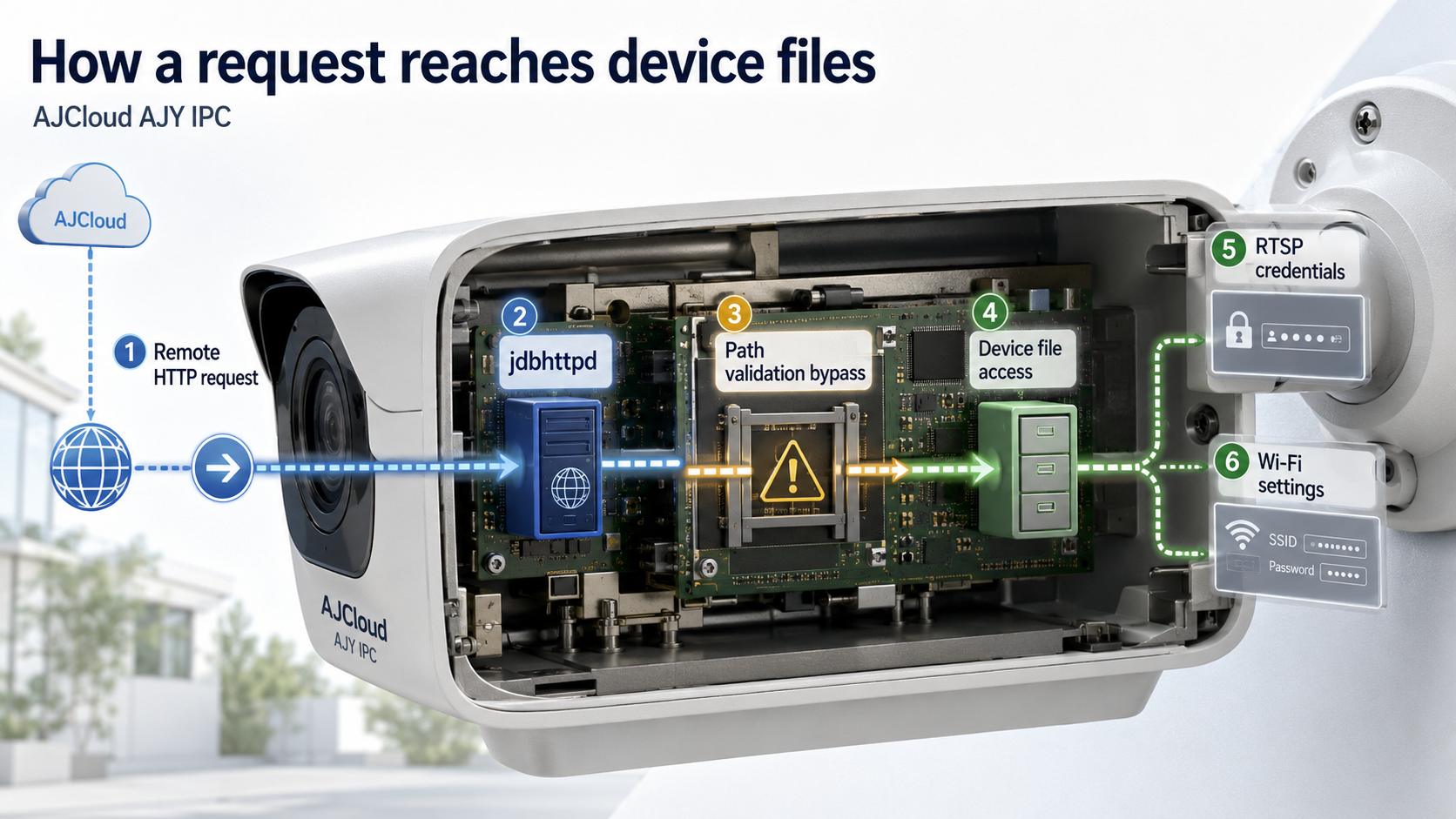
Path traversal occurs when a web service does not fully normalize a requested path and enforce that it remains inside an allowed directory. In this case, jdbhttpd can let a remote request cross from the web directory into device files. The key operational question is whether network traffic can reach the vulnerable web service, not whether someone has reproduced a payload.
Direct Internet exposure is only one route. Port forwarding, UPnP, remote-access VPNs, and access from another device on the same network can all change reachability. Review external and internal paths separately. Restricting access reduces exposure while the update is being deployed, but it does not remove the vulnerable code.
Confirmed impact
The confirmed impact is arbitrary file reading with the privileges available to the service. RTSP credentials protect access to the camera stream, while Wi-Fi credentials protect the wireless network used by the camera. Because both may be stored in readable device files, remediation should include rotating those credentials after the fixed firmware is installed.
Keep the evidence boundary precise: the record describes file reading, not a general claim that every camera setting was modified. Before resetting a production unit, record the model, firmware, network location, management path, and RTSP integrations. This preserves the information needed to update, rotate credentials, and validate service without losing track of dependent systems.
Scope review
Identify every AJCloud AJY IPC unit and record its actual firmware. The affected boundary is firmware earlier than 01.10715.11.37. Map each model, firmware value, MAC address, installation location, and management address. Include spare and replacement units so that a later swap does not reintroduce an affected image.
- AJCloud AJY IPC model and actual firmware on each unit
- Port forwarding, UPnP, and remote-management settings
- Internal network segments that can reach the web interface
- RTSP accounts and the applications that consume each stream
- Wi-Fi network and the scope of shared credentials
- Spare units, replacement units, and recovery images
Limit web management to authorized workstations or a dedicated management segment. Remove unnecessary direct forwarding from the Internet and review automatically opened mappings as well as manual rules. If cameras share a network with user devices, move them to an IoT or camera segment and permit only the management and video flows that operations require.
Update sequence
The fixed boundary is firmware 01.10715.11.37. Obtain firmware through an official vendor or support route, verify that it matches the device model, and keep power and network connectivity stable during installation. For multiple cameras, update one representative unit first and verify boot, live video, recording, time synchronization, and management access before expanding the rollout.
After reboot, check the reported firmware again. Confirm that RTSP streams and recording resumed and that management restrictions remain in place. If a reset is required, restore settings selectively so an old forwarding rule or credential is not silently reintroduced.
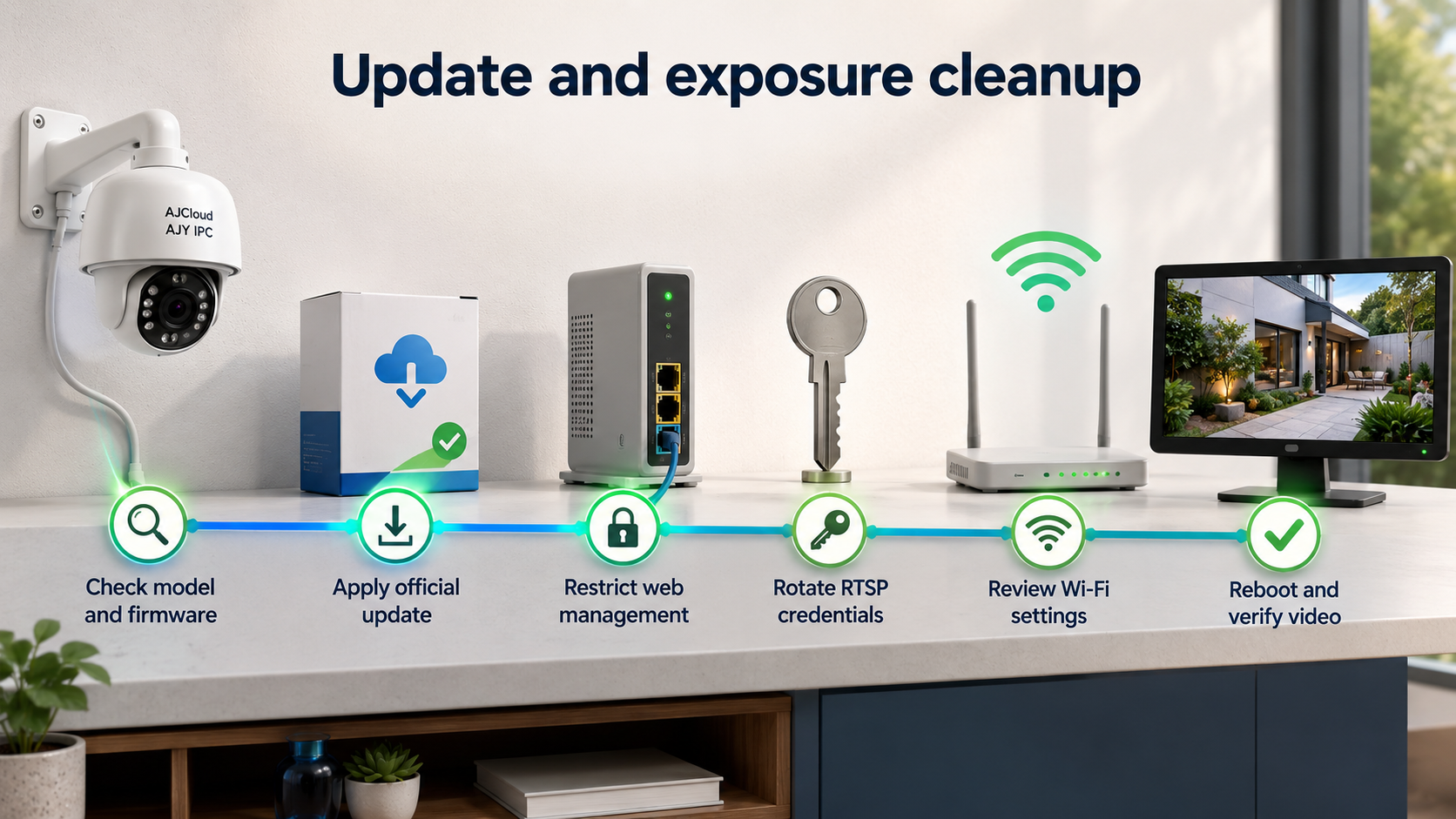
- Record the model, firmware, network location, and management path for each unit.
- Obtain the official fixed firmware and complete a pilot update and reboot.
- Confirm the fixed boundary, video stream, recording, and management access.
- Remove unnecessary forwarding and restrict web management to approved networks.
- Rotate RTSP credentials and update NVRs and applications that consume the stream.
- Review Wi-Fi credential scope and reconnect devices through a planned change if rotation is needed.
Credential and network cleanup
Rotate RTSP credentials after installing the fixed firmware. Map every NVR, home-automation service, and monitoring application that uses the old value, update them in a controlled sequence, and verify that the previous credential no longer opens the stream. Unique credentials per camera limit cross-device exposure.
Wi-Fi credential rotation affects every device on the network. Prepare a separate IoT network or new wireless profile before moving cameras, then restrict camera traffic to required destinations and services. Prefer management through a VPN or dedicated segment instead of permanent public exposure, and check for reopened mappings after network equipment and cameras reboot.
Post-update validation
Validate three dimensions: firmware, reachability, and service. Confirm every unit is at or beyond the fixed boundary; verify that public and general-user networks cannot reach web management; and test live video, recording, alerts, time synchronization, and NVR connectivity. Preserve the inventory and network rules so a future reset or replacement does not restore vulnerable firmware or broad exposure.
Sources reviewed
SECUFOCUS NOW reorganized and analyzed the material above. This article does not replace the original sources.
Related SecuNote articles
Langflow Code Injection RCE (CVE-2026-0768): Active Exploitation and Response
CVE-2026-0768 is now being exploited against internet-accessible Langflow deployments. This analysis explains the vulnerable…
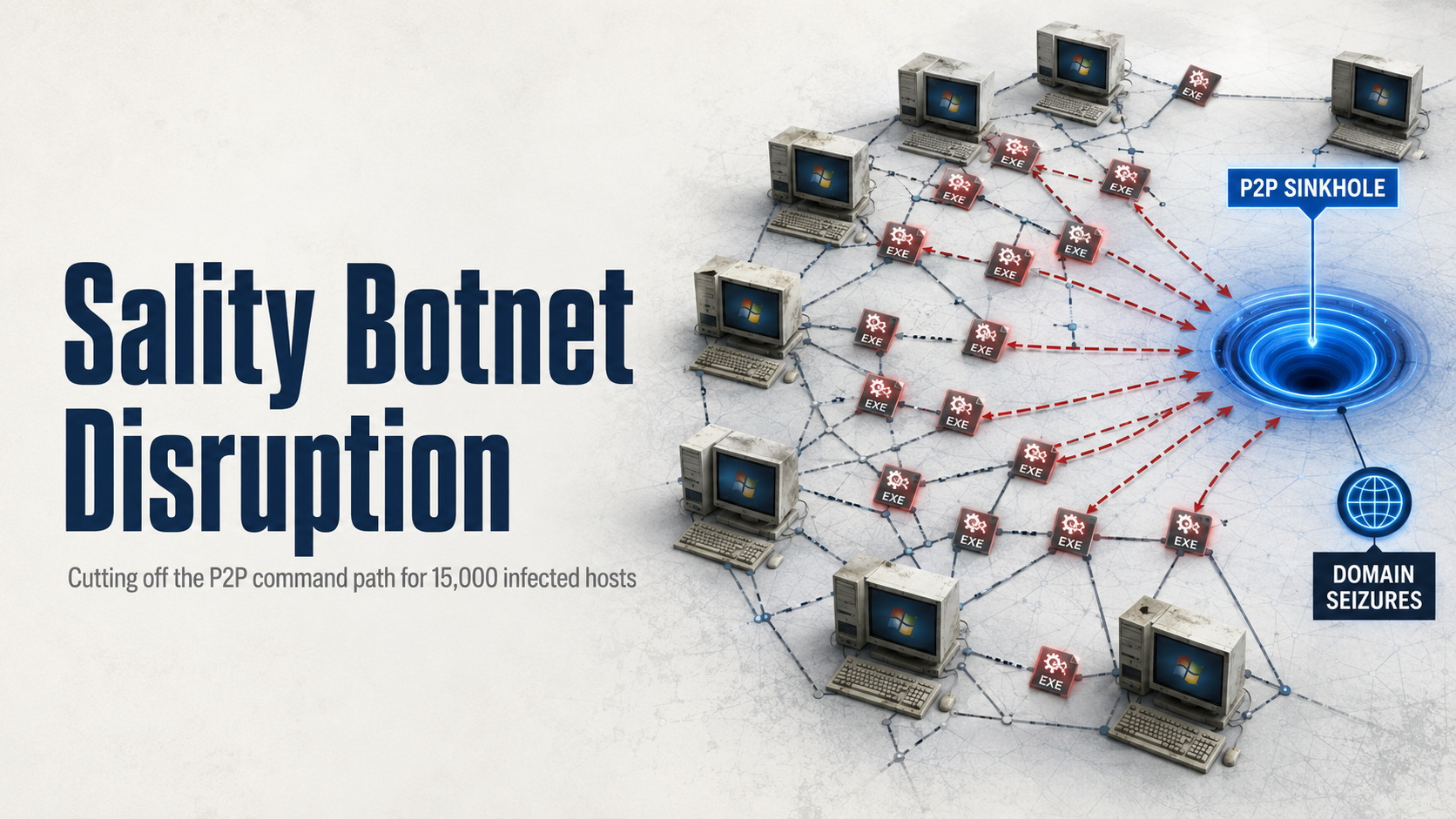
Sality Botnet Disruption: How the P2P Sinkhole Cut Its Command Path
A multinational operation disrupted Sality's peer-to-peer command path across more than 15,000 infected hosts. This analysis…

Dropbox Account Breach: Lenovo ID Integration and Confirmed Impact
A legacy Lenovo ID integration enabled unauthorized access to about 5,000 Dropbox accounts. This report explains the confirmed…
Comments
No comments yet.