
Adobe Commerce Template Engine RCE (CVE-2026-75650): Scope and Emergency Response
Adobe confirmed active exploitation of a pre-authentication remote code execution flaw in Adobe Commerce and Magento Open Source. This guide maps the affected product lines to the dedicated hotfix, credential rotation, and deployment validation steps.

Active exploitation and a pre-authentication path
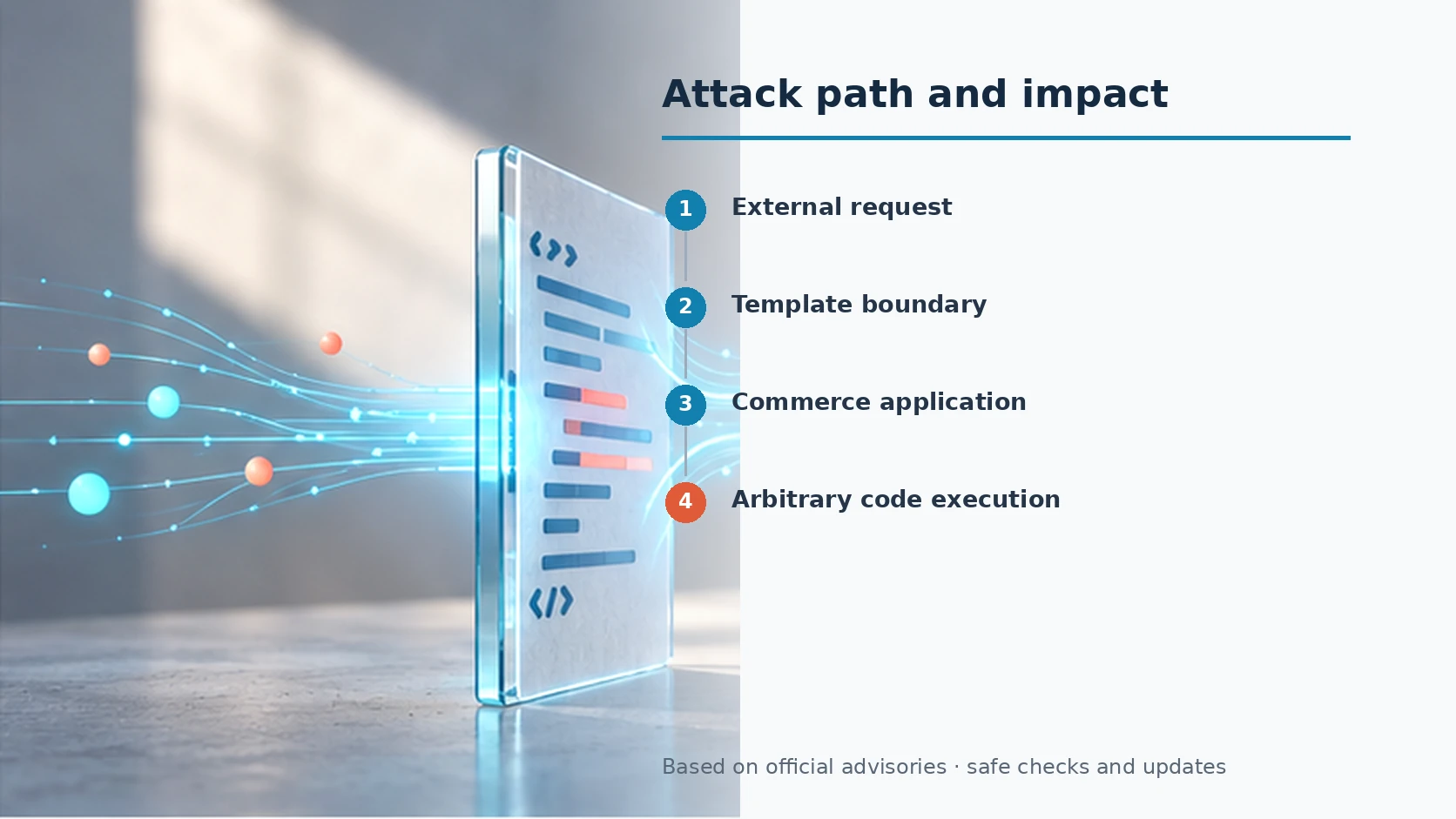
Adobe published APSB26-146 on September 7, 2026 and confirmed that CVE-2026-75650 has been exploited in the wild. The flaw is an improper neutralization issue in the template engine and can lead to arbitrary code execution without credentials. Protecting only the Admin panel does not close this exposure because the vulnerable processing boundary is reached before authenticated administration.
The response must cover every runtime and deployment source: public storefront nodes, administrative nodes, batch workers, standby systems, staging environments, autoscaling images and disaster-recovery templates. A patched node behind a load balancer does not prove that the whole service is fixed if an older image can later rejoin the pool.
Affected product families
The bulletin lists Adobe Commerce branches 2.4.4 through 2.4.9 at the August 2026 level and earlier, supported Commerce B2B branches from 1.3.3 through 1.5.3 at that level and earlier, and Magento Open Source branches 2.4.6 through 2.4.9 at that level and earlier. Inventory must distinguish the base Commerce product, B2B modules and Open Source deployments rather than relying on a single marketing name.
Dedicated VULN-39341 hotfix
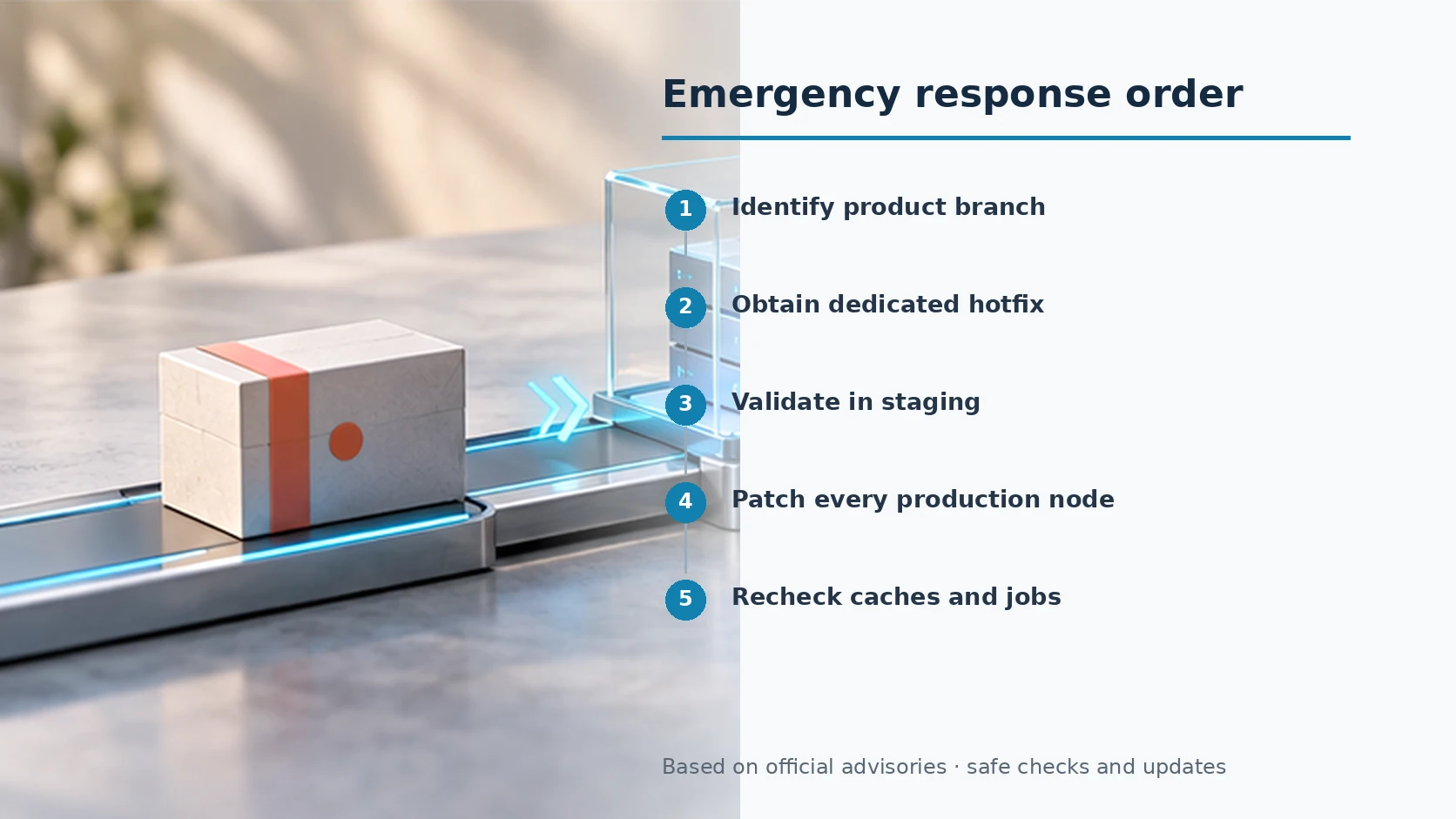
Adobe directs affected deployments to the dedicated VULN-39341 Composer hotfix. Obtain it only from the official support path, compare the tested product combinations with the running estate, validate order, cart, payment, tax, shipping, Admin, API, GraphQL and cron workflows in staging, then deploy the same change to every production node and reusable image.
Credential rotation is part of remediation
Adobe also instructs merchants to rotate the Commerce encryption key and the credentials protected or used by the platform. This includes Admin passwords, REST, SOAP and GraphQL integration tokens, OAuth client secrets, payment-gateway credentials, database passwords, SSH and deployment keys, privileged service accounts, and shipping or tax extension keys. Changing the Commerce key alone does not revoke secrets at their external issuers.
Evidence of completion
Record three forms of evidence: the hotfix artifact and change approval, the applied status on each live or standby node, and functional results from the real service path. Adobe Commerce on Cloud can use the Quality Patches Tool status for VULN-39341. Other deployment models should compare the built artifact with running nodes and prove that newly created instances start from the fixed image.
- Classify every Commerce, B2B and Magento Open Source instance.
- Validate the dedicated hotfix against business-critical workflows.
- Patch every runtime, standby node and deployment image.
- Rotate platform and third-party credentials at their issuers.
- Verify transactions, integrations, scheduled jobs and security logs.
Sources reviewed
- Security update available for Adobe Commerce | APSB26-146Adobe · Official source
- Urgent Action Required: Critical Security Update Available for Adobe Commerce (APSB26-146)Adobe Experience League · Official source
SECUFOCUS NOW reorganized and analyzed the material above. This article does not replace the original sources.
Related SecuNote articles

September 8 Security Briefing: Adobe Commerce, JetBrains, and Endpoint PoCs
Adobe Commerce active exploitation, 29 JetBrains access-control fixes, and vendor-specific response paths for endpoint security…

Bifrost HTTP Plugin RCE (CVE-2026-86242): Affected Builds and Response
How an exposed Bifrost management API can turn remote plugin loading into code execution, with deployment-specific scope and a…

September 6 Security Briefing: StyleSmuggler, PaperCut Wave Two, and libxml2
A source-grounded briefing on the StyleSmuggler ecommerce attack, PaperCut's second-wave credential activity, and eight fixes in…
Comments
No comments yet.