
Sent a Photo of Your ID? How to Block Phone, Account, and Loan Identity Fraud in Korea
Deleting the message is not enough after an ID photo has been shared. This guide explains how people in Korea can block unauthorized mobile-service activation, non-face-to-face account opening, and new lending, then check whether any account or phone line has already been created.
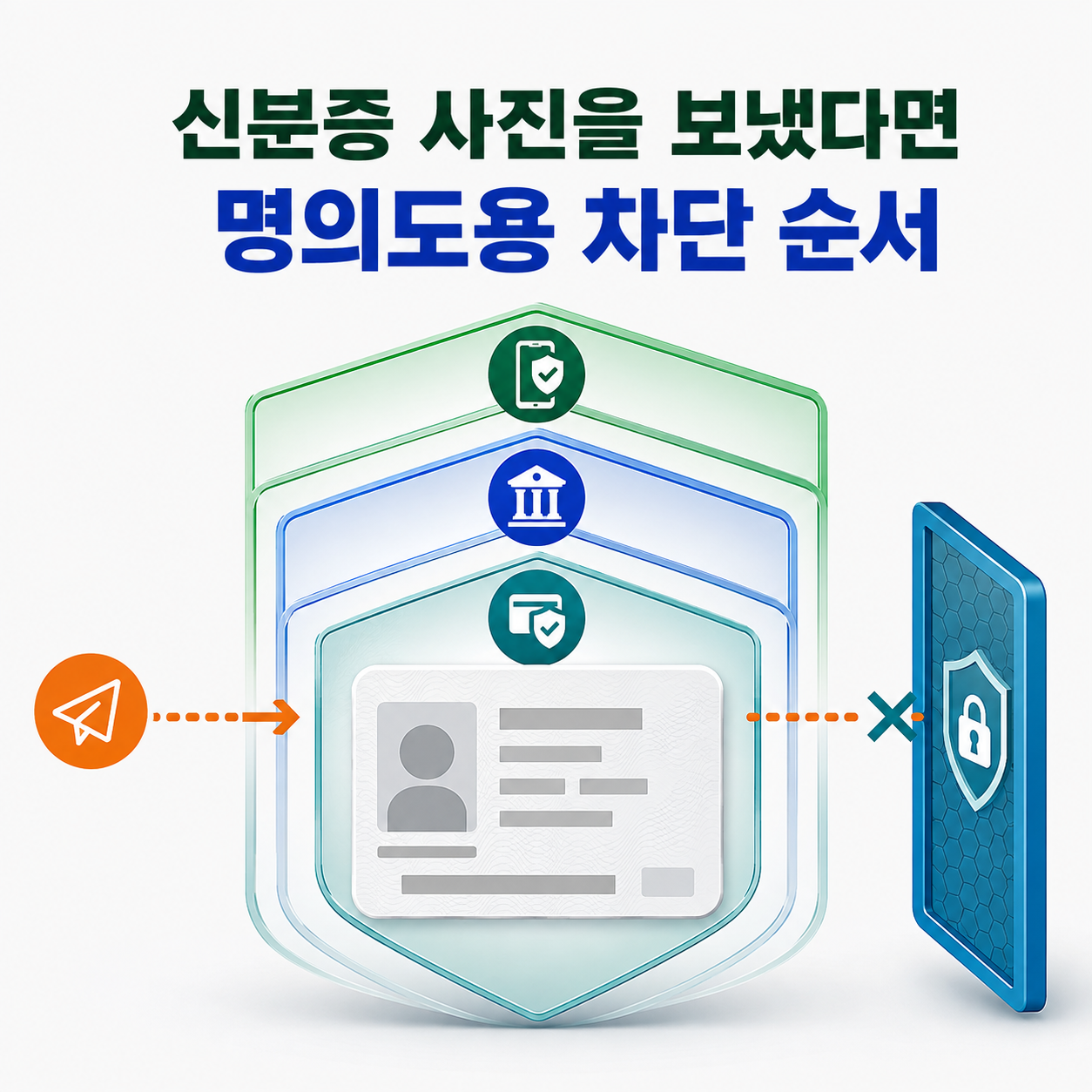
If money has already moved, do this first
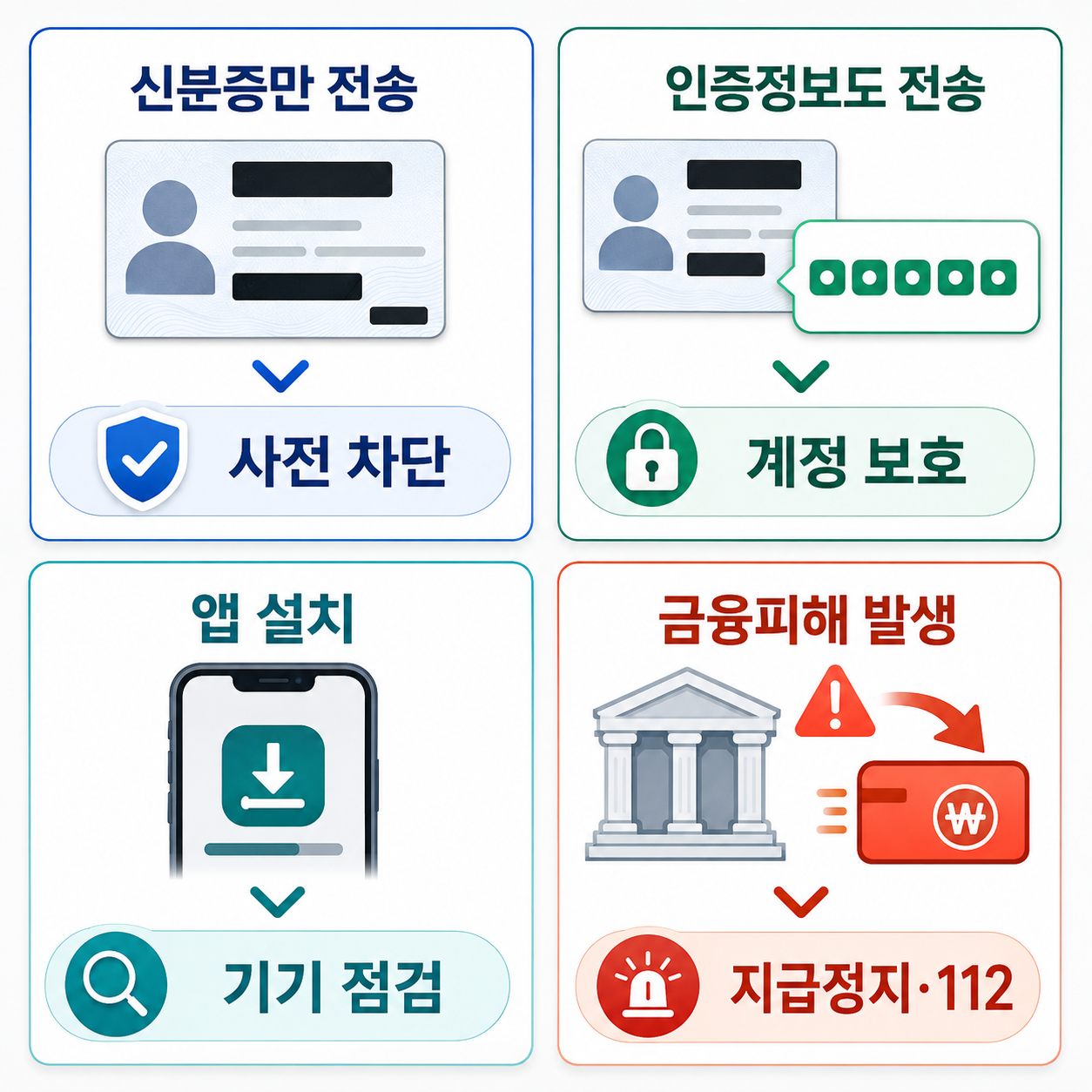
If an unauthorized transfer, loan, or card payment has already occurred, contact the financial institution immediately to request a payment freeze and fraud case, then report it to the Korean police at 112. Do not delay those steps while changing passwords or configuring preventive blocks.
This guide is for people whose ID photo has been shared and who need to prevent follow-on abuse or check for an unknown account, loan, or mobile line. Asking the recipient to delete the image is not a reliable containment measure because copies may remain. Block new activity first, then inspect what may already exist under your name.
Separate the situation before taking action
Only the ID photo was shared
An ID image by itself does not prove that a loan or account has been opened. Korean financial institutions and mobile carriers use additional identity checks. The photo still contains data that may be combined with other information, so it is reasonable to block non-face-to-face account opening, new credit activity, and mobile-service activation, then run name-based checks.
Account details, passwords, or verification codes were also shared
The exposure is broader if the recipient also received a password, bank information, SMS code, or certificate credential. Use a different trusted device to change affected passwords and review active sessions and recovery methods. Contact the financial institution through its official app, the number on the card or passbook, or a branch. If a work account or company-managed phone is involved, notify the organization's security or IT contact.
A suspicious app was installed as part of the request
Do not continue banking from the same phone if an untrusted app may have remote-control or data-access capability. Use another trusted device or visit a branch to assess the account and determine whether a freeze is needed. Deleting the app or factory-resetting the phone immediately may remove useful evidence, so preserve messages, call history, and visible transaction details when fraud or remote access is suspected.
An unknown transfer, loan, or mobile line appears
Contact the relevant financial institution for a fraud case and payment freeze, and call 112. If Msafer shows a mobile line that you did not open, ask the carrier to suspend it immediately and set a password that prevents the impersonator from lifting the suspension. Record the case number, time, department, and documents requested.
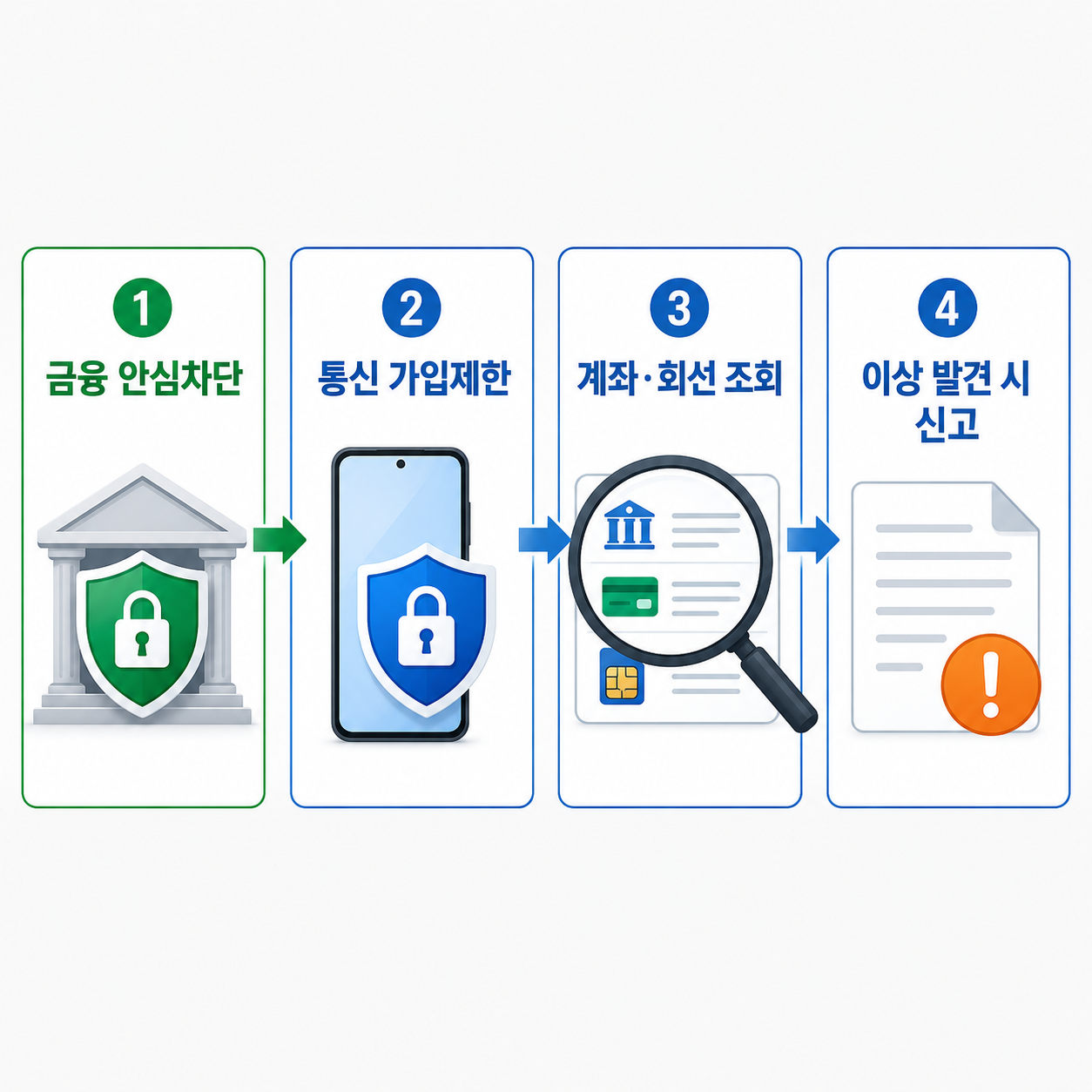
1. Block non-face-to-face accounts and new lending
Korea's AccountInfo service has a section called My Financial Safety Blocks. The Non-Face-to-Face Account Opening Block prevents new accounts from being opened through financial institutions' remote channels. The Credit Transaction Block restricts new loans, credit-card issuance, and other new credit activity under the individual's name. The two controls address different transactions, so review and enable each one separately.
As checked on August 15, 2026, the Korea Financial Telecommunications and Clearings Institute lists online service hours for the account-opening and credit blocks as Monday through Saturday, 07:00 to 22:00, excluding Sundays and public holidays. Maintenance can change availability. If the service is closed, use your financial institution's official app, customer-service number, or branch to find an available application channel.
AccountInfo also provides an Open Banking Block. It can prevent open-banking registration or use at financial institutions selected by the customer. Because it may also affect a legitimate service that you currently use, choose the scope after reviewing your normal banking setup.
2. Restrict new mobile-service activation
Msafer's Subscription Restriction Service allows an individual to block new mobile subscriptions, number transfers, device changes, and changes of subscriber name. It is intended to reduce unauthorized phone activation with stolen identity data. Use the official Msafer site to enable the restriction and check all telecommunications services opened under your name, including mobile virtual network operator lines.
The Msafer FAQ checked on August 15, 2026 lists the Subscription Status Inquiry as available 24 hours a day and the Subscription Restriction Service from 09:00 to 22:00, subject to maintenance. The site's identity-theft consultation center is 1670-1382, with weekday hours of 09:00 to 18:00 and a lunch closure from 12:00 to 13:00.
3. Look for accounts, loans, and lines that already exist
Preventive blocks do not remove activity that was completed before the block. In AccountInfo, use Account at a Glance to review accounts across banks, second-tier financial institutions, and securities firms. Review loan information as well. If a financial institution or opening date is unfamiliar, contact that institution through its verified customer-service channel and describe it as possible identity fraud.
Msafer's Subscription Status Inquiry shows telecommunications services opened under the user's name. Review unfamiliar mobile numbers, MVNO lines, data-only lines, and fixed-line services. Its email notification option can send future mobile-service opening notices to a previously verified email address.
4. Clean up the ID and authentication methods
If the physical ID was also lost, use the issuing authority's official loss-report and replacement process. If only an image was sent, review the password, recovery email or phone number, and active sessions of the messenger or account used to send it. Replace reused passwords with unique ones. When a certificate credential or one-time code was disclosed, ask its issuer whether revocation and reissuance are required.
Before deleting the conversation, preserve the other account's identifier, the time of transmission, what was requested, the categories of information sent, and any bank account or phone number used by the recipient. Do not create more copies of the ID or send it to multiple parties. When an institution requests evidence, verify the official intake channel and the minimum data required.
Actions to avoid
- Do not use a 'security check' link or app sent by the same person. Type the official Msafer or AccountInfo address yourself and verify the operator.
- Do not send another verification code or allow screen sharing or remote control to test whether the recipient is legitimate.
- Do not postpone a payment freeze and 112 report while changing passwords or deleting apps after money has moved.
- Do not treat a factory reset as the automatic first step. Determine whether transaction, message, or call records must be preserved.
- Do not quietly close an unknown line or account without first registering it as suspected identity fraud with the institution and keeping the case record.
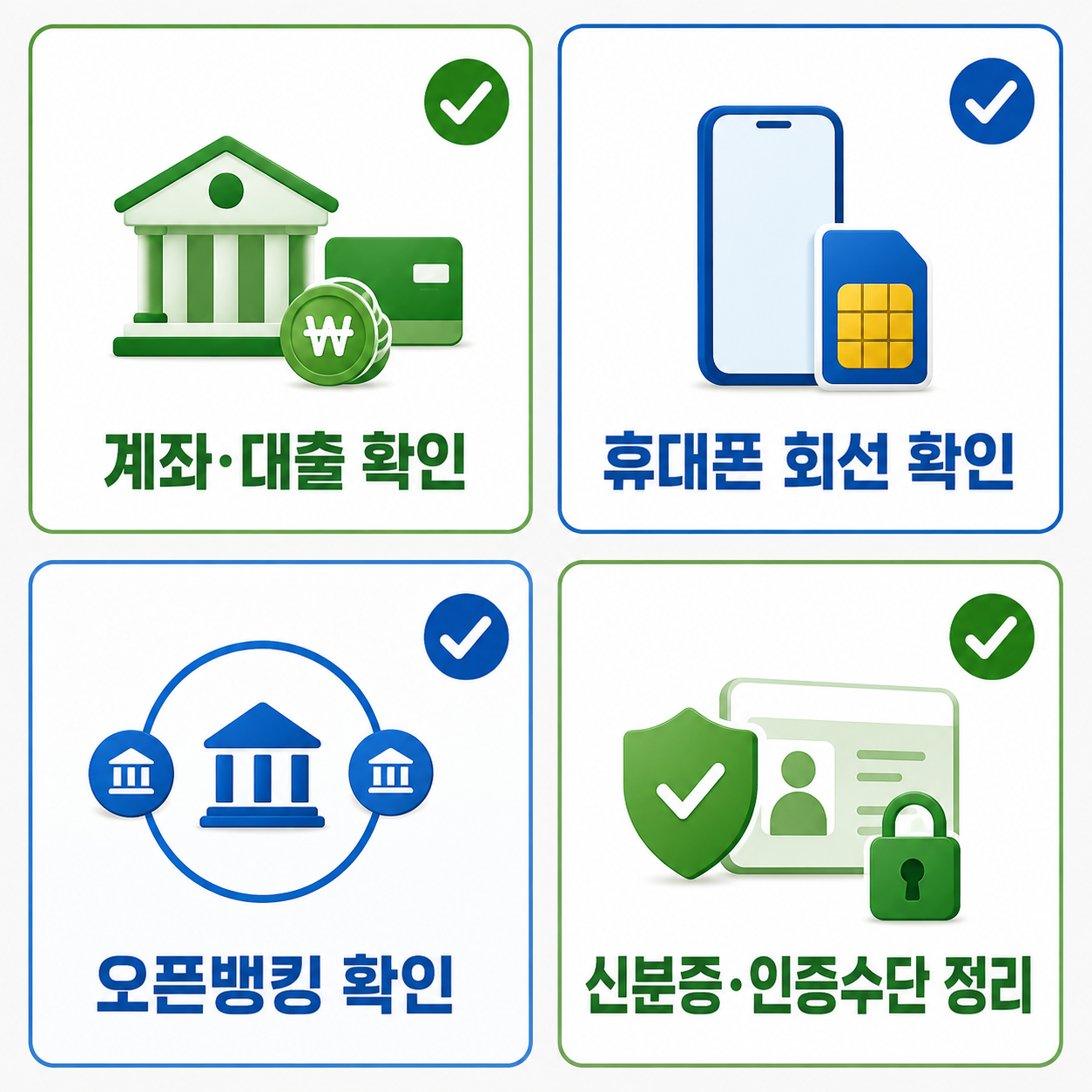
Final checklist
- Did you enable both the Non-Face-to-Face Account Opening Block and the Credit Transaction Block?
- If needed, did you select financial institutions for the Open Banking Block?
- Did you enable Msafer's Subscription Restriction and review telecommunications services under your name?
- Did you review accounts and loans for institutions or dates you do not recognize?
- Did you secure exposed accounts, recovery methods, and sessions from a trusted device?
- If an unknown account, loan, or line exists, did you open cases with the institution and the police and keep the case numbers?
- If a work account or managed device was involved, did you notify the organization's security or IT team?
Official assistance in Korea
- Financial loss or identity-fraud transaction: contact the financial institution for a freeze and fraud case, then call the police at 112.
- Financial-fraud consultation: Financial Supervisory Service at 1332.
- Telecommunications identity-theft consultation: Msafer at 1670-1382 during the hours shown on its official site.
- Service names and operating hours checked on August 15, 2026.
Sharing an ID photo does not mean every financial service must be abandoned. Block new openings, inspect what already exists, and register only the anomalies as fraud cases. When a block is later removed, use the financial institution's or service operator's official channel rather than a link delivered by text or messenger.
Sources reviewed
- 명의도용방지서비스 소개 및 가입제한·가입현황조회 안내Msafer 명의도용방지서비스 · Official source
- 내계좌한눈에·내 금융 안심차단 서비스 및 이용시간 안내금융결제원 계좌정보통합관리서비스 · Official source
- 비대면 계좌개설 안심차단 서비스 시행금융위원회 · Official source
SECUFOCUS NOW reorganized and analyzed the material above. This article does not replace the original sources.